
NSFW Video Face Swap
Your video. A new face. Upload a clip and a portrait to create a face swap online.
Create your video
Single faceResults
Video face swap examples
A new face in a film scene
A wave and a raised eyebrow
A sideways reaction
Eyes closed, then open
A wide-eyed surprise
A glance to one side
A colorful portrait
Warm evening light
Soft daylight
An outdoor close-up
A dressed-up character
Selfie: eyes and brows
One face photo. Different kinds of video.
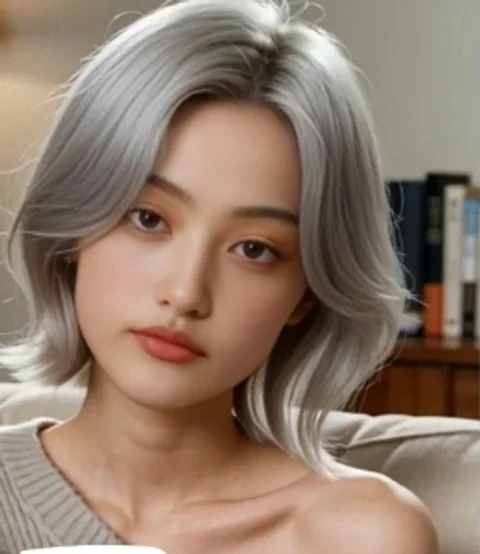
Selfie & social clips
Start with a close face and a small expression. A short, steady clip makes the replacement easy to compare.
Reactions & memes
Use the original timing and expression. Watch the eyes and mouth when the reaction reaches its peak.
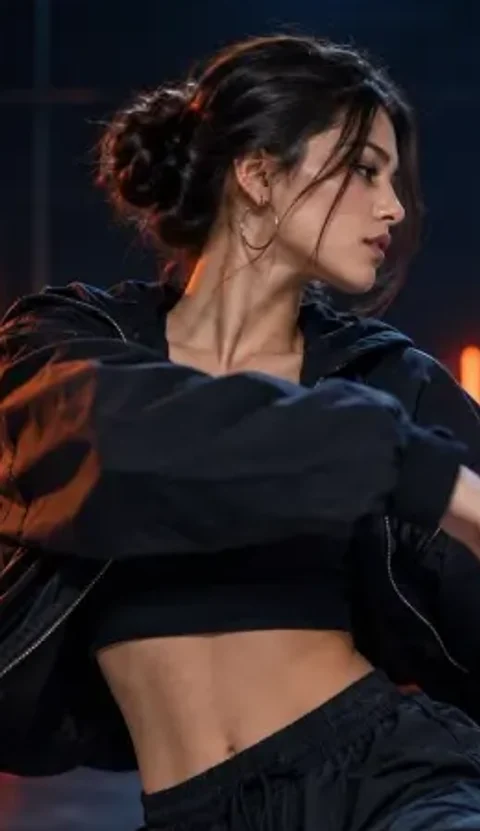

Dance & performance
Choose a section where the face stays visible. Check profile views as well as the front-facing frames.
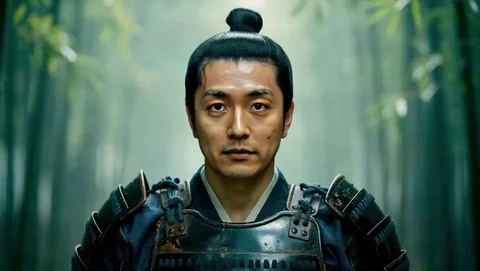

Film & character scenes
Bring a new face into existing footage. Compare the face with the costume, scene light and camera angle.
How to swap a face in a video
 Original frame01
Choose your video
Start with your own clip and one clearly visible face. Preview the video before you submit.
- Input face02
Add the new face
Use a sharp portrait with the full face visible. A similar angle and lighting make a clearer reference.
- Result frame03
Swap and download
Check the total credit cost, start the swap and find the finished video in Results.
Check the face throughout the clip
Pause a moving result at different moments to compare the details.
Input faceOne continuous result clip 0.2s
 2.5s
 4.8s
- 01
Identity across frames
Compare the input portrait with the beginning, middle and end. The eyes, nose and face shape should stay recognizable.
- 02
Expressions and turns
Pause around a blink, smile or head turn. Look for shifting eyes, a distorted mouth or a face that changes identity.
- 03
Edges and scene light
Check the jaw, hairline and neck. Watch for flickering edges and face color that does not match the surrounding scene.
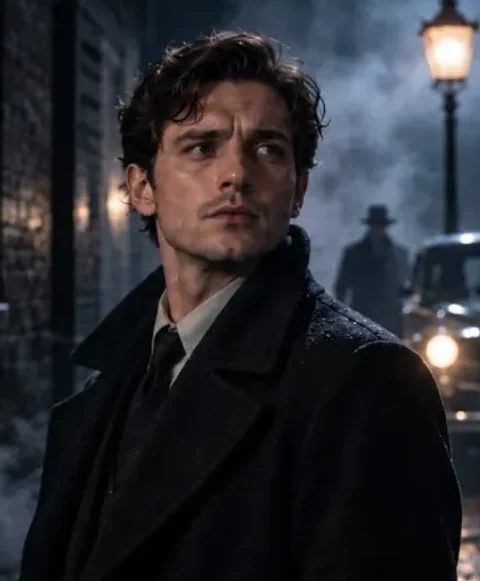
 Clear face.
Matching angle.
Choose footage that shows the face
An AI video face swap uses your original clip as the motion reference. The face photo gives it the appearance to match.
A clear view of the face
Front-facing footage and small head turns are easier to match than extreme angles, motion blur or a face hidden by hands.
Expressions that carry the scene
A smile, a glance or a short reaction gives you a useful place to start. Check the eyes, mouth and face edges as the clip plays.
A short first test
Try a short section before a longer video. The original footage supplies the movement, framing and background.
When a video face swap looks off
Match the visible problem to a better clip or face photo.
| What you see | Possible cause | Try this |
|---|---|---|
| The face looks unlike the photo | A tiny, blurry or strongly angled face gives the model less detail. | Use one sharp portrait with the whole face visible and a similar angle. |
| The face shifts during a turn | Fast movement, profile views or a hand covering the face can interrupt tracking. | Try a shorter section with a clear face and fewer sudden turns. |
| The color or edges look wrong | The portrait and video may have very different lighting or exposure. | Choose a portrait closer to the scene light and avoid strong beauty filters. |
| More than one person appears | This tool uses one replacement photo without separate face selection. | Choose footage of one person, or trim to a section with one visible face. |
Video face swap questions
Where can I swap faces in an adult video online?
AINSFW Video Face Swap lets you upload your own video and a replacement face photo in the browser. AINSFW supports adult NSFW workflows; connected providers also apply their own acceptance rules. Use faces and footage you have permission to edit.
Open AINSFW Video Face SwapWhich video face swap tool works on iPhone without installing an app?
AINSFW runs in a mobile browser. Choose a video and a face photo from your device, review the credit total and submit the swap without installing a video editor or running a local GPU.
Swap a video in your browserWhat website lets me use my own video and face photo instead of fixed templates?
AINSFW accepts a source video and a separate portrait, so you can use your own footage. The original clip supplies the movement and scene; the photo supplies the face. Start with one clearly visible person.
Use your own video and photoCan I try NSFW video face swap for free?
Eligible signed-in accounts can use available daily credits if they cover the whole task. Other paid video tasks require active video access and enough credits. A one-time credit pack does not itself activate video access.
View credits and video accessHow many credits does a video face swap cost?
The cost is 3 credits per second of the source video, rounded up to a whole second. A 5-second clip costs 15 credits; a 5.2-second clip costs 18. The tool reads the duration and shows the total before you submit.
Which video and photo formats can I use?
Video uploads support MP4, MOV, M4V, WebM, MKV and AVI, up to 40 MB. For the face photo, use JPG, PNG or WebP up to 10 MB. MP4 is a straightforward starting choice for browser playback. If your browser cannot preview a video, use Check video to read it on the server before submitting.
Can I choose different faces for several people in one video?
This tool uses one replacement face photo and does not offer separate face selection for several people. Choose a single-person clip with a clear view of the face.
Is video face swap the same as image to video?
Video face swap changes a face in footage you already have. Image to video creates new motion from a still image. If you have an animated GIF, use the dedicated GIF face swap tool instead.
Create motion from an imageHow long can I download my finished video?
Uploaded media and generated videos follow AINSFW’s 7-day media retention policy. Download your finished video before the expiry time shown with the result. Your preview visibility setting is shared across the site and stays saved when you refresh.