THE CREATOR’S FIELD GUIDE · 8 OPTIONS

Best NSFW AI Image Generators in 2026

Eight options for adult glamour, anime and fantasy scenes. Compare browser studios and local generators by model choice, editing control and what you actually pay.

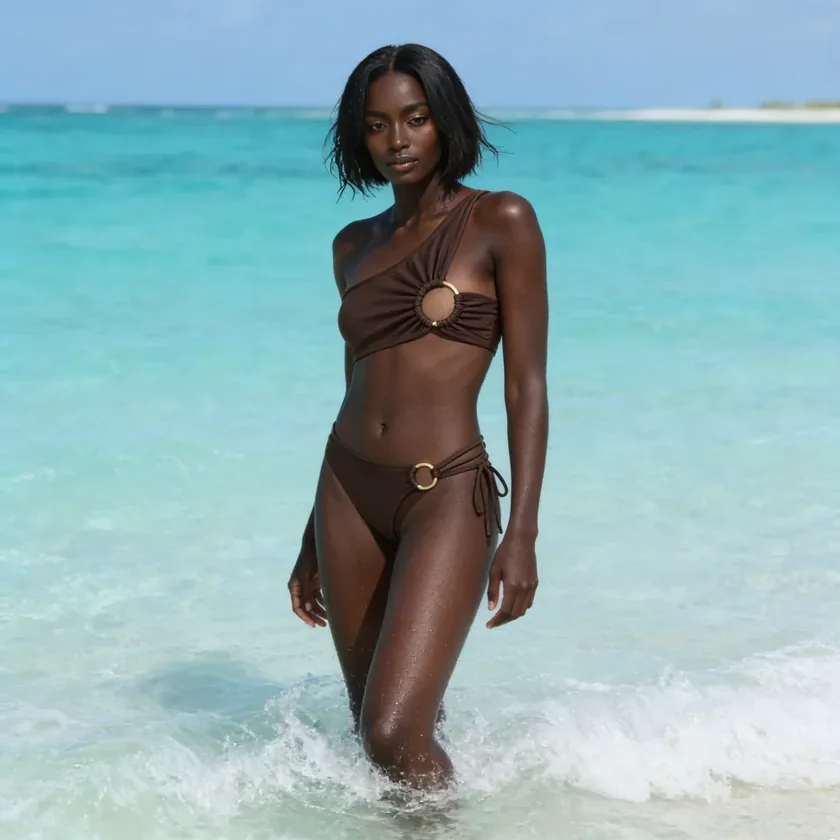
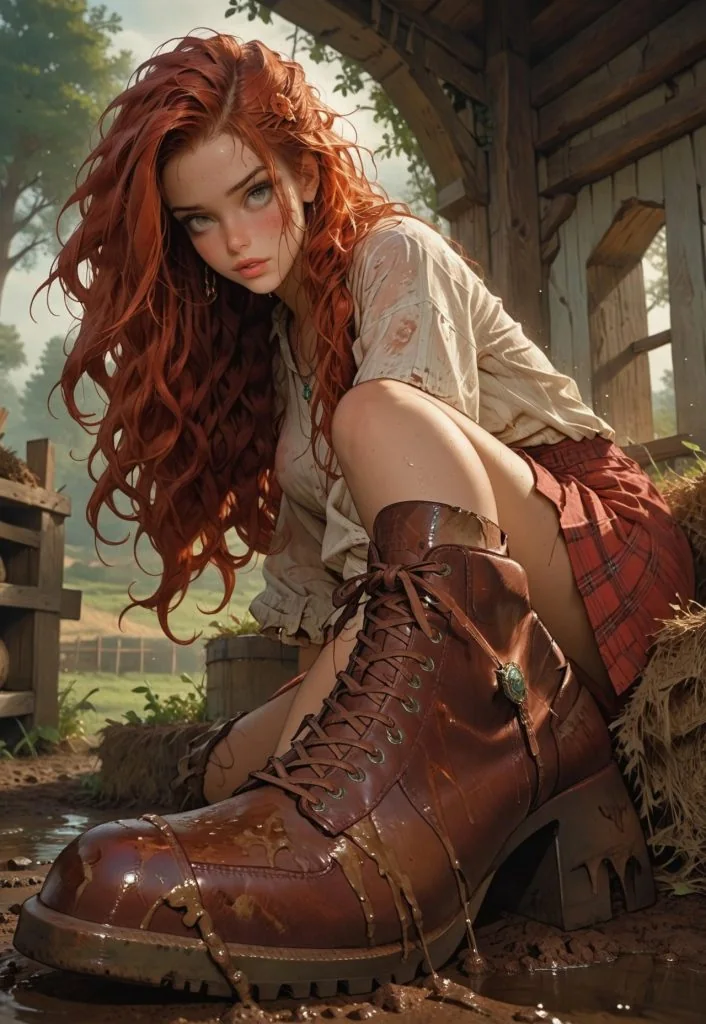
Adult woman in terracotta swimwear beside a sunlit beach cabanaAINSFWAdult fashion model in sculptural brown swimwear against turquoise wavesVeniceRed-haired adult fantasy adventurer in a cream blouse and tall leather bootsCivitai
GLAMOUR & FANTASY INSPIRATIONYour scene.
Your kind of control.

01 / THE SHORTLIST

Start with what you want to make.

Four browser options. Four local alternatives.
Choose a task to see the details.
Published features and prices, checked October 8–9, 2026. Images mix style inspiration and published samples. AINSFW is the publisher and one of the options. How we compare

SIDE BY SIDE

Compare all 8: controls, cost & free limits

Open table

Compare the work you can do—not just the word “uncensored” on the homepage.

Image generators compared by workflow, free allowance, paid access and limitations. Details checked October 8–9, 2026.
Tool & workflowImage controlsFree & paid accessKeep in mind
AAINSFWBrowser studioOne reference image + written changes15 on the first claim, then 10 per renewal; each valid for 24 hours$15.00 for one month · 1,250 creditsVideos need membership unless free credits cover the full cost. The image editor has no selection brush.
VVeniceBrowser workspacePublished editing, variants & upscaling tools15 image prompts/day on base modelsPro $18/month · premium features use creditsModel access and credit charges vary. The free allowance is not access to every model.
NNovelAIAnime image studioCanvas, inpainting & Director ToolsTrial available · not an ongoing free planSubscriptions from $10/month · Anlas creditsAnime-focused. Anlas spending and usage limits depend on your settings and plan.
CCivitaiModel community & generatorModel/LoRA selection, remix, face fix & upscaleEarnable Blue Buzz · usage rules applyGeneration priced in Buzz · membership optionalFree Blue Buzz is primarily for SFW work. Mature access depends on currency, membership and model rules.
DDraw ThingsLocal Apple appInfinite canvas, restyling & local LoRA trainingFree local edition · uses your hardwareOptional Draw Things+ $8.99/monthRequires a compatible Apple device and model setup. Content support depends on your model.
CComfyUILocal workflow builderNode workflows, masks, inpainting & upscalingFree open-source local softwareOwn hardware · optional cloud/API costsYou manage models and workflows. Hosted and API models have separate costs and rules.
FFooocusLocal SDXL interfaceImage prompts, variations, inpaint & outpaintFree open-source local softwareOwn hardware · no official subscriptionSDXL only. The project is in limited LTS with bug fixes, not new model development.
SDA1111 WebUIAUTOMATIC1111 · Local interfaceImg2img, masks, inpaint/outpaint & batch controlsFree open-source local softwareOwn hardware · optional hosting costsInstallation, models and extensions are your responsibility. Model support and licenses vary.

02 / A CLOSER LOOK

The right tool for your kind of control.

Looking for the best uncensored AI image generators in 2026? Start with the workflow, then check the model and its terms.

01
Browser studio

AINSFW

Back to picks ↑
Sunlit glamour · Style inspiration

Sunlit glamour · Style inspiration

For a browser workflow that continues into video

A direct path from a written scene to an image, a reference edit or a short video, with a credit quote before you generate.

Starting point
From $15.00
Image controls
One reference image + written changes
Keep in mind

Videos need membership unless free credits cover the full cost. The image editor has no selection brush.

Open AINSFW
AINSFW video gallery

Explore two video examples from our gallery. Choose Show to reveal a scene, then press play.

Video preview hiddenChoose when to reveal this scene.
Features, limits & pricing details

Choose AINSFW when you want image creation and motion in the same workspace. Describe a new scene, edit an existing image with an instruction, or take a still into image-to-video. Each tool shows its own inputs and credit quote.

What stands out
  • No local model installation or GPU setup.
  • Image generation, reference editing and video have dedicated tools.
  • A visible credit quote changes with your selected settings.
What to consider
  • Free credits cover images; video needs active access and enough credits.
  • Written editing is not masked inpainting: there is no brush to lock a precise area.
  • Save your downloads within the 7-day library retention period.

Starter monthly is $15.00 for 1,250 credits and one month of video access after payment verification. It does not renew automatically. A $15.00 one-time pack adds 900 permanent credits but does not unlock video on its own.

02
Browser workspace

Venice

Back to picks ↑
Beach editorial · Style inspiration

Beach editorial · Style inspiration

For a broader AI workspace

An online AI workspace with image controls, text chat and additional media tools. A useful option if you want those activities under one account.

Starting point
Pro $18/month
Image controls
Published editing, variants & upscaling tools
Keep in mind

Model access and credit charges vary. The free allowance is not access to every model.

Venice · Published product example

Venice · Published product example

What this example shows

Venice’s published visual showcase. The source does not identify the model or generation settings.

Published examples show a product’s workflow or visual range. They were not generated with the same prompt or settings.

Features, limits & pricing details

Venice combines image creation with chat and other media. Its published image controls include negative prompts, aspect ratio, steps, adherence and seed. Its plans also list image editing, variants, upscaling and background removal.

What stands out
  • A published free allowance of 15 image prompts per day on base models.
  • Image settings for refining composition and exploring variations.
  • Chat and image/video tools within the same service.
What to consider
  • Pro model access and premium credit spending are separate.
  • A plan’s image allowance does not make every image or video model free to use.
  • Venice describes permissive image support within model capabilities; it still has terms and model-specific limits.

The monthly pricing view lists Pro at $18/month, with 100 monthly credits for premium features. Video and premium models can consume credits beyond the image allowance. Check the selected plan and model before comparing its quota with another service.

Details:Official pricingImage featuresPublished image guidance
03
Anime image studio

NovelAI

Back to picks ↑
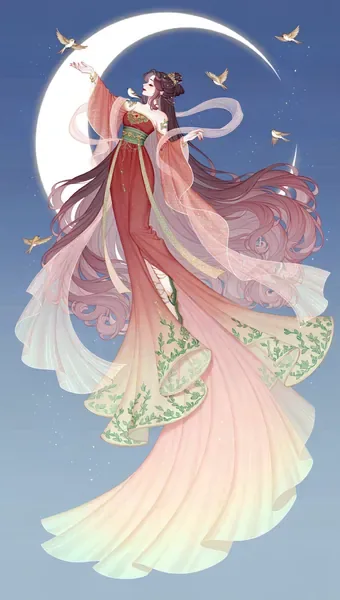
NovelAI · Anime showcase

NovelAI · Anime showcase

For anime art with room to refine

A focused choice for illustrated characters and imaginary worlds, with a canvas and inpainting for refining the parts that need work.

Starting point
From $10/month
Image controls
Canvas, inpainting & Director Tools
Keep in mind

Anime-focused. Anlas spending and usage limits depend on your settings and plan.

Features, limits & pricing details

NovelAI centers its image workflow on anime art. Its official site lists selective inpainting, a built-in canvas and Director Tools for refining details, clothing, lighting and poses. It also offers story generation, but the image tools are the reason to shortlist it here.

What stands out
  • A dedicated anime and illustrated-scene workflow.
  • Inpainting can target selected areas instead of requesting a whole-image change.
  • The canvas and Director Tools support iterative refinement.
What to consider
  • Its anime focus is a different starting point from a general photography workflow.
  • A trial is not a permanent free image allowance.
  • Do not assume a subscription includes unlimited generation at every resolution or setting.

The official FAQ lists subscriptions starting at $10/month and on-demand Anlas purchases for image generation. Check the current plan and generation settings for Anlas consumption and usage limits before purchasing.

Details:Features, pricing & FAQOfficial image studio
04
Model community & generator

Civitai

Back to picks ↑
Civitai · Published character sample

Civitai · Published character sample

For finding a particular character style

Explore a specific character style, choose a compatible model and add LoRAs in the browser. Supported resources can also be downloaded for a local workflow.

Starting point
Buzz per generation
Image controls
Model/LoRA selection, remix, face fix & upscale
Keep in mind

Free Blue Buzz is primarily for SFW work. Mature access depends on currency, membership and model rules.

Features, limits & pricing details

Civitai combines a community model library with an on-site image generator. Its official guide documents model selection, additional LoRAs and embeddings, prompt controls, remixing and face or resolution enhancement workflows. Only resources enabled by their uploader are available in the hosted generator.

What stands out
  • A model library for exploring character, illustration and photographic styles.
  • Remix can carry available settings from a published image into the generator.
  • Hosted generation avoids local GPU setup; downloadable models provide another route.
What to consider
  • A downloadable model is not necessarily enabled for on-site generation.
  • Buzz types have different access rules. Free currency does not imply unrestricted mature generation.
  • Model permissions, generation charges and payment options need checking separately.

Image jobs use Buzz, with the quote depending on the model and generation settings. The official currency guide distinguishes Blue, Yellow and Green Buzz; their permitted uses differ. Membership can change Blue Buzz access. There is no single dollar-per-image price that applies to every model, so compare the actual job quote before spending.

Details:Official generator guideBuzz & access rules
05
Local Apple app

Draw Things

Back to picks ↑
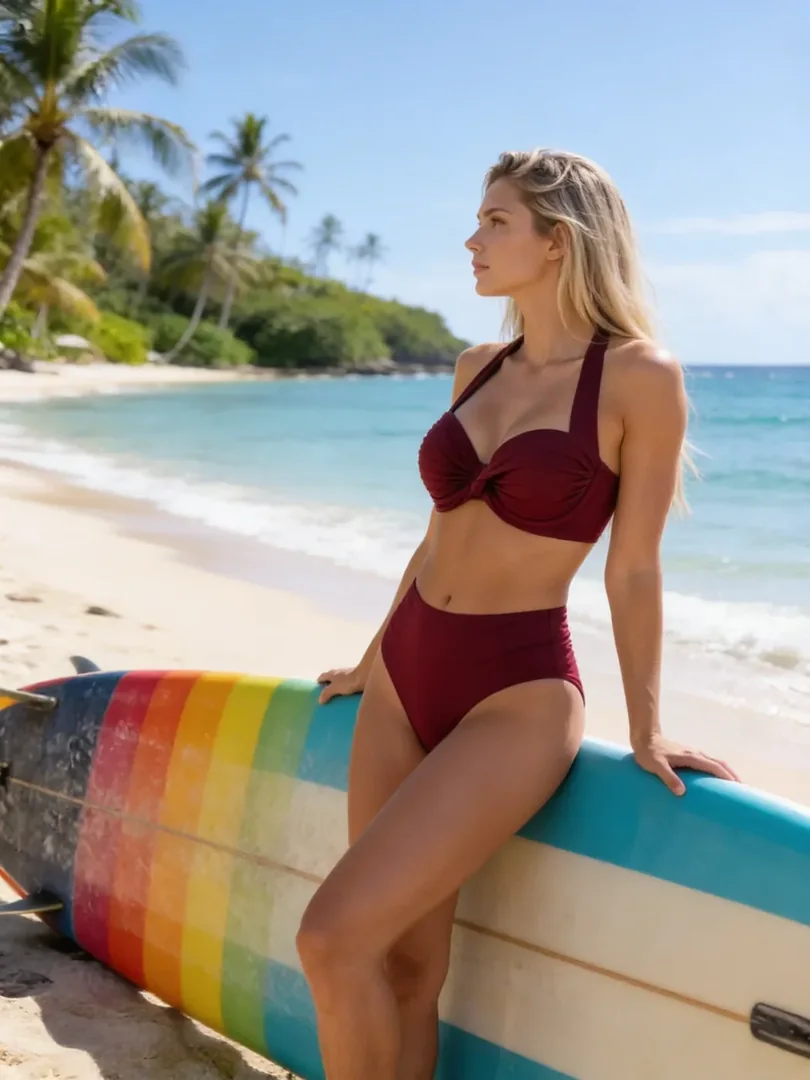
Swimwear portrait · Style inspiration

Swimwear portrait · Style inspiration

For creating on your own Apple device

An alternative for creators who prefer to download models and run them on an iPhone, iPad or Mac. Local and cloud editions have different trade-offs.

Starting point
Free local app
Image controls
Infinite canvas, restyling & local LoRA training
Keep in mind

Requires a compatible Apple device and model setup. Content support depends on your model.

Draw Things · Official workspace preview

Draw Things · Official workspace preview

What this example shows

Draw Things’ published Mac interface, with a generated image and its editing workspace.

Published examples show a product’s workflow or visual range. They were not generated with the same prompt or settings.

Features, limits & pricing details

Draw Things offers a local route rather than another browser-only generator. Its free edition downloads models and uses your device to generate images. The official site also lists an infinite canvas, image restyling, image-to-video and local LoRA training.

What stands out
  • The local edition can generate offline after model downloads.
  • Model selection and local LoRA training give you a different level of control.
  • An infinite canvas supports a workflow beyond a single prompt box.
What to consider
  • Device memory, storage and model size affect what you can run.
  • The free local edition and managed Cloud Compute have different limits and privacy terms.
  • Local execution is not a blanket NSFW guarantee: check your chosen model, its license and supported uses.

The local edition is free to use on your own hardware. The site also offers Community Cloud Compute and an optional Draw Things+ plan at $8.99/month for additional cloud features. A cloud subscription is not a requirement for local generation.

Details:Official features & editionsEdition pricing
06
Local workflow builder

ComfyUI

Back to picks ↑
Summer glamour · Style inspiration

Summer glamour · Style inspiration

For the process behind the picture

Connect generation, masks, references and upscaling in a visual workflow. A strong fit when repeatable control matters more than a one-box start.

Starting point
Free local software
Image controls
Node workflows, masks, inpainting & upscaling
Keep in mind

You manage models and workflows. Hosted and API models have separate costs and rules.

ComfyUI · Published product example

ComfyUI · Published product example

What this example shows

The official ComfyUI SDXL workflow example. It illustrates the output attached to a reusable workflow.

Published examples show a product’s workflow or visual range. They were not generated with the same prompt or settings.

Features, limits & pricing details

ComfyUI exposes each generation and processing step as a node. You can reuse workflows, choose supported models and combine references, inpainting, masks and upscalers. Local execution and paid cloud or partner nodes are separate ways of using it.

What stands out
  • Reusable workflows keep complex generation steps together.
  • Broad model support and controls for masks, references and upscaling.
  • Local core workflows can run offline with the required models installed.
What to consider
  • Models, memory requirements and workflow setup need more attention than a hosted studio.
  • Custom nodes and model updates can require maintenance.
  • Content support follows the selected model and its license; cloud and partner APIs have their own rules.

The local open-source application has no per-image service fee. You supply hardware, storage and power. Comfy Cloud and optional partner API nodes can add usage charges; those are not included in free local generation.

Details:Official project & featuresOfficial workflow example
07
Local SDXL interface

Fooocus

Back to picks ↑
Fooocus · Official example

Fooocus · Official example

For a prompt-first local option

A simpler local interface for SDXL image generation, variations and selected-area edits, without building a node graph.

Starting point
Free local software
Image controls
Image prompts, variations, inpaint & outpaint
Keep in mind

SDXL only. The project is in limited LTS with bug fixes, not new model development.

Features, limits & pricing details

Fooocus provides an offline SDXL interface with image prompts, variations, upscaling and inpainting or outpainting. Its official project deliberately reduces manual parameter tweaking. It is useful if you want that established workflow and accept its current maintenance scope.

What stands out
  • Prompt-first controls without assembling a node graph.
  • Image prompts, variations and selected-area editing in one interface.
  • Free offline software with no official per-generation subscription.
What to consider
  • The project is in limited long-term support, with bug fixes only.
  • The official roadmap does not currently plan support for newer model architectures.
  • Compatible hardware and model downloads are required; model licenses and supported content still vary.

Fooocus is free, non-commercial offline software. Hardware and electricity are your costs. Use the official GitHub project: its maintainers warn that similarly named paid websites are not affiliated with Fooocus.

Details:Features & project status
08
AUTOMATIC1111 · Local interface

A1111 WebUI

Back to picks ↑
Golden-hour fashion · Style inspiration

Golden-hour fashion · Style inspiration

For hands-on control over a local model

A tab-based local workspace for custom checkpoints, LoRAs and masked edits. Useful when you want detailed settings without building a node graph.

Starting point
Free local software
Image controls
Img2img, masks, inpaint/outpaint & batch controls
Keep in mind

Installation, models and extensions are your responsibility. Model support and licenses vary.

A1111 WebUI · Official workspace preview

A1111 WebUI · Official workspace preview

What this example shows

The official A1111 interface with a result and generation controls visible together.

Published examples show a product’s workflow or visual range. They were not generated with the same prompt or settings.

Features, limits & pricing details

AUTOMATIC1111 Stable Diffusion WebUI organizes text-to-image, image-to-image and extras into a browser interface running on your computer. Its official project lists checkpoints, LoRAs, negative prompts, inpainting, outpainting, face restoration and batch processing. Unlike ComfyUI, the starting point is a set of tabs and controls rather than a node graph.

What stands out
  • Custom checkpoints and LoRAs let you choose the model and visual style.
  • Masked inpainting and image-to-image controls support selective changes.
  • Generation metadata and batch tools help compare and reproduce settings.
What to consider
  • You install and maintain the software, models and any extensions.
  • Hardware compatibility and memory affect speed and the models you can use.
  • The interface does not guarantee a particular content policy or support every new model architecture.

The official open-source WebUI has no subscription or per-image software charge. You supply the hardware, disk space and electricity. A third-party hosted version or GPU rental has its own price; that is separate from the free official project.

Details:Official features & installation

03 / CHOOSE THE RIGHT CONTROL

An edit is not always an inpaint.

The input you have—and the part you want to change—should decide which tool you open.

WORDS

Make a new scene

Text-to-image starts with a description. It is the right route for exploring a composition, style, outfit or imagined setting from scratch.

Start from text
+ INSTRUCTION

Change a reference

Image editing starts with a picture. Describe one change and what should stay: the face, framing, pose or light. A written request does not lock individual pixels.

Edit a picture
SELECTED AREA

Control a specific area

Masked inpainting uses a brush or selection to target part of an image. If that is essential, check for an actual mask tool. AINSFW’s current editor does not offer one.

Review editing controls

Ready to add motion?

Keep the image you like, then direct the movement in a separate image-to-video step.

Animate an image

04 / BEFORE YOU SPEND

Compare a usable result.
Not a bigger credit number.

Ten credits, fifteen prompts and free local compute are three different offers. A fair comparison starts with the same task.

See AINSFW plans
  1. 01

    Check the selected model

    A free allowance may cover base models while premium models use a separate balance. Resolution, duration and audio can change the quote.

  2. 02

    Include every step

    An image, a reference edit and a video are different jobs. Compare their combined cost when your final result needs more than one step.

  3. 03

    Check the file you will keep

    Look at download size, format, watermark options and storage duration. A good preview is only useful if the saved file fits your project.

BEYOND THE LABEL

What does “uncensored” actually tell you?

“Uncensored,” “no filter” and “unrestricted” describe a product’s positioning. They do not tell you its editing controls, output quality or which model will handle your request. Compare those separately, and check the current terms for the service and model you choose.

AINSFW is for adults. Its terms and privacy policy explain the supported use and handling of your work.

05 / A FEW USEFUL ANSWERS

Before your next scene.

Free limits, references, local models and the path to video.

Which is the best NSFW AI image generator for me?

Choose by the task and the way you want to work. AINSFW connects image creation, reference editing and video in a browser. Venice adds chat and a broader media workspace. NovelAI focuses on anime art, while Civitai helps you explore community models and character styles. For local work, Draw Things suits Apple devices, ComfyUI provides workflow control, Fooocus offers a simpler SDXL interface, and AUTOMATIC1111 provides detailed tab-based controls. Compare the model access, editing features and costs for your task.

Are there free uncensored AI image generators?

There are free allowances and free local tools, but they work differently. AINSFW provides 15 on the first claim, then 10 per renewal; each valid for 24 hours; Venice publishes 15 daily image prompts on base models. Draw Things offers free local generation using your own hardware. These are not equivalent quotas, and none of these facts promises every model or feature for free.

Does “uncensored” mean every prompt will work?

No. The term describes a service’s positioning, not an output guarantee. Content support, model capabilities and service terms still vary. A generation can also fail because of the input file or a technical error, which is separate from content filtering.

Can I edit a photo instead of starting from text?

Yes, when the selected tool supports a reference image. On AINSFW, the image editor accepts one reference and a written instruction for changes such as lighting, clothing, color or setting. It has no brush or selection mask, so it is not a substitute for precise masked inpainting.

Is a local AI image generator completely free?

A free local app can avoid per-generation service charges, but you still provide the hardware, storage and electricity. Larger models may need more memory, and optional cloud services can cost extra. Check model licenses separately from the app price.

Can I turn a generated image into a video?

Yes, with an image-to-video workflow. Treat the image and video as two separate generation steps with separate settings and costs. AINSFW requires active video access and enough credits, unless free credits cover the full video cost. A one-time credit pack does not create a subscription.

How were these options compared?

This is a comparison of published workflows, controls, allowances and costs, checked on October 8–9, 2026. AINSFW is the publisher and one of the options. The linked official pages support the product details. Images include published product samples and editorial style inspiration, identified in their captions; this is not a same-prompt test or a scored image-quality benchmark.

About this comparison

We checked published workflows, image controls, allowances and costs on October 8–9, 2026. Civitai and AUTOMATIC1111 were added on October 9. Product links lead to official sources. Images captioned “Style inspiration” illustrate a creative direction, not an output from the adjacent product. NovelAI, Civitai and Fooocus show their published samples. This is not a same-prompt quality test or a scored ranking. Draw Things, ComfyUI, Fooocus and AUTOMATIC1111 are local alternatives: supported content depends on the model, its license and any connected service.

FROM READING TO CREATING

Give your next idea a starting point.

Create an image Explore prompt ideas