
Establish the candlelit ballroom and the two masked guests.
Some faces are easier to find in a crowd.AI PORN COMIC GENERATOR
AI Porn Comic GeneratorEvery panel. Your story.
Turn an adult story idea into one complete comic image. Choose 1–6 panels, guide the scenes and keep the whole sequence together on one page.
Your comic pageOne image. A complete sequence.
Your story becomes 4 panels. You can paste an image here.
Character reference
Uploaded only when you generate.
Uploaded only when you generate.More settingsAINSFW 2.0 · 1K · 3:4 · No text
Characters & scene directionsOptional · leave the planning to us
1 image · 4 panels13 credits / page
4, 6 or custom panelsYour character referenceGuide every scene togetherOne complete image
01 / FROM IDEA TO SEQUENCE
A story needs more
than one beautiful image.
Explore complete comic layouts, from a compact four-panel scene to a six-panel sequence. Then try a story of your own.
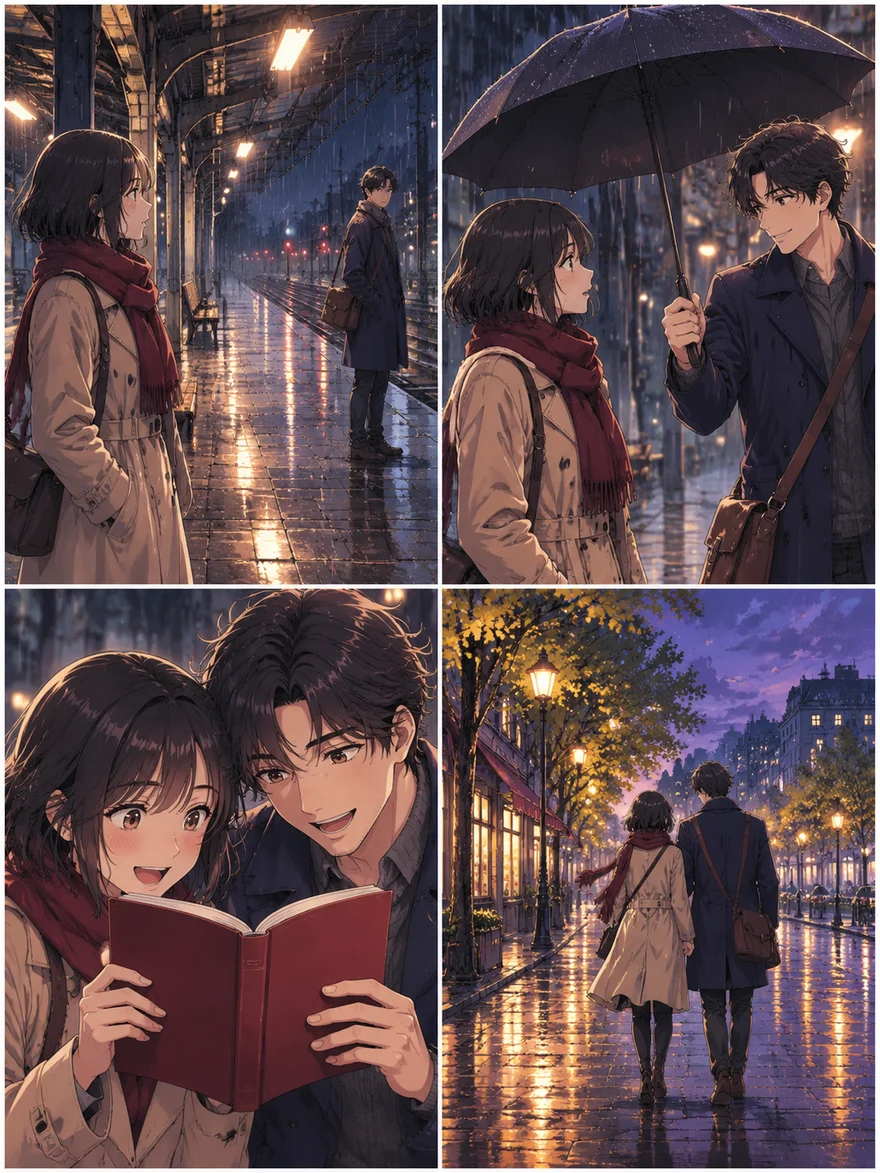
4 PANELS / COLOR COMIC
The last train
Two adult strangers shelter from the rain at an empty station. One offers to share an umbrella. They discover a shared love of the same book. They leave the station together as the rain stops.
- 01
Wide shot: two strangers waiting under the station roof in the rain.
- 02
Medium shot: one opens an umbrella and offers space beneath it.
- 03
Close-up: they look through a deep-red book together and smile.
- 04
Wide closing shot: they walk away together as the sky clears.
6 PANELS / MORE ROOM TO UNFOLD
After the masquerade
A familiar pendant. A folded note. A face behind a mask. Six panels let the reveal take its time.
Close-up: the pendant catches the other guest’s attention.
The pendant was unmistakable.A folded note passes between their hands.
“Outside?”They leave the ballroom for a lantern-lit garden.
The music faded behind them.They remove their masks and recognize each other.
“I thought you had left.”A quiet smile beneath the lanterns ends the sequence.
“Not yet.”02 / A SHORTER PATH TO YOUR PAGE
How the NSFW comic
generator works
The story stays in your hands. Choose the pacing, add a reference if it helps, and generate the entire page together.
Start with what happens
Describe the people, setting and story. Choose 4, 6 or a custom 1–6 panels inside one image. Give your story a clear ending.
Give each scene a place
Add optional scene directions, or let the page follow your story. One complete request includes the story, character notes and every scene together.
Make the page yours
Review the complete image. Adjust the story and generate a new page version when needed. Compare earlier versions and download the one you prefer.
03 / CHARACTERS THAT BELONG TO YOUR STORY
A familiar face.
A different moment.
Use one character reference to guide the whole page. Keep hair, clothing and scene details in one set of notes, so the image model receives the same direction for every panel.
References help with continuity, but details can still drift. Check faces, clothing and props across the finished page. Change the directions and generate another version if needed.
Add a character reference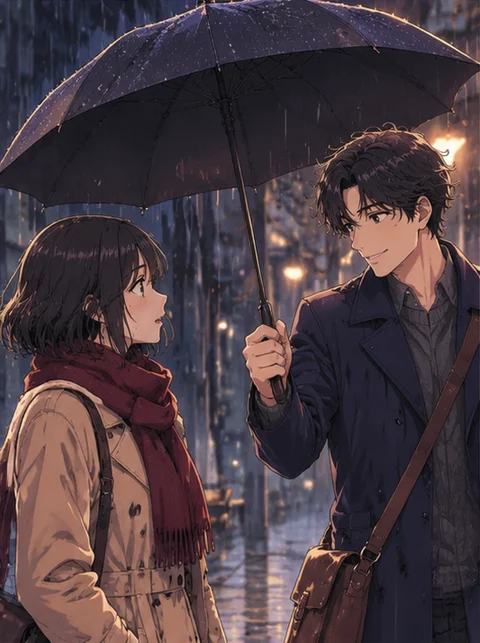 ONE CHARACTER REFERENCE
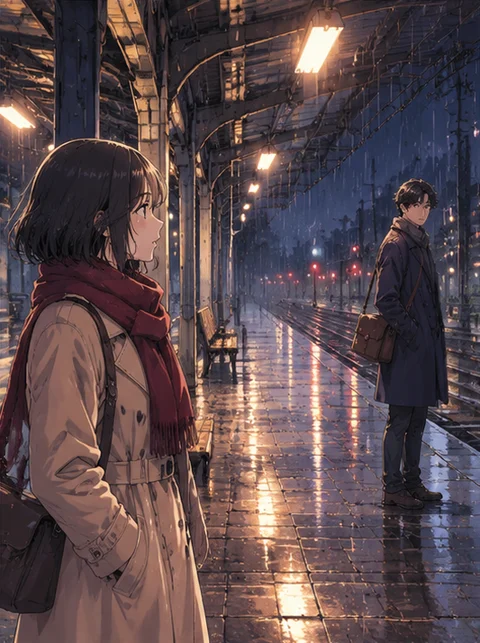
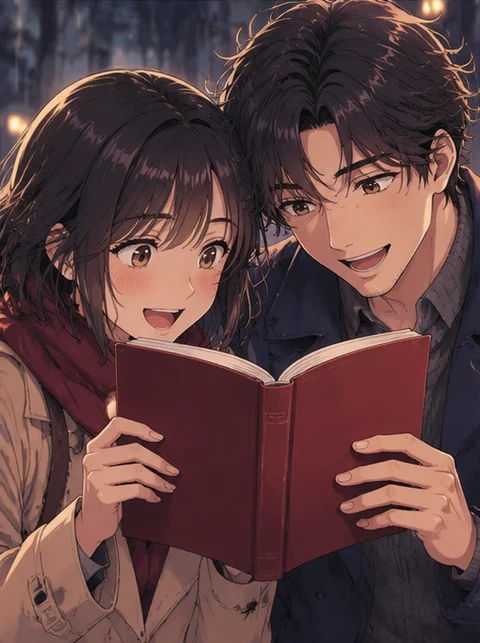
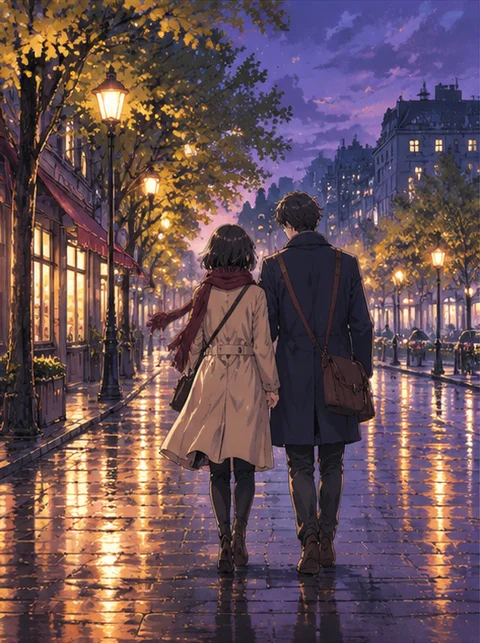
Illustrated continuity example · review actual results in the editor
Choose visual storytelling or brief dialogue
Lettering is part of the finished image.
04 / FIND YOUR VOICE
An NSFW comic maker
with room for your voice.
Choose a wordless comic to tell the story through actions and expressions, or ask for short dialogue in the language of your story. Include exact lines in the scene directions when they matter.
Text is drawn inside the image, not saved as an editable text layer. Spelling and placement can vary. A new generation redraws the whole page, so keep important dialogue short and check the result.
Write your story05 / FIND THE RIGHT PACE
Four panels or six?
Choose for the story, not for a bigger number. Every layout is one complete image. More panels share the same pixels; the price changes with model and quality, not panel count.
A compact scene
An opening, an interaction, a turning point and a closing image. Useful for testing characters and a short idea.
A little more breathing room
Add a reaction shot, a second location or a reveal. More atmosphere without starting a long chapter.
Your own rhythm
Set 1–6 panels inside one page. Guide the moments you already have in mind, and choose a portrait, square or landscape image.
One page. One image price.
AINSFW 1.0 is 10 credits at 2K or 12 at 3K. AINSFW 2.0 is 13 credits at 1K or 20 at 2K. Four and six panels cost the same at the same settings. Each new page version is a new image generation.
View credit packsKeep your earlier page versions.
A failed new version does not replace your earlier artwork. If a submission is unconfirmed, check or retry the same request before starting another. The whole page is saved as one image in your creations.
Your workspace, not a public feed.
Drafts are not published to a community gallery. Images are processed by cloud services, and access for support and service operation follows our privacy policy. Download the artwork you want to keep.
Read our privacy policy06 / A FEW THINGS TO KNOW
Before your
first page.
Format, references, credits and the difference between an image and a comic page.
Where can I generate an NSFW comic online?
Use the AINSFW comic generator on this page. Enter a story, choose 1–6 panels and a style, then generate one complete comic image. You can add a character reference and scene directions, compare page versions and download the result. Create your comic.
Can I try an NSFW comic generator for free?
Eligible new accounts can claim 15 free credits, enough for one page at the default 13-credit setting. Later claims provide 10 credits, enough for an AINSFW 1.0 page at 2K. Each grant expires after 24 hours; the next can be claimed after it expires. One account per public IP can claim in each 24-hour period. Higher-quality settings may require more credits. See settings and credit packs.
Can I choose four panels, six panels, or my own number?
Yes. Select any panel count from 1 to 6. Panel count changes the composition inside one image, not the number of generated files or the credit price. Review the finished page for missing or extra panels.
Do I need to write a prompt for every panel?
No. A sentence can be enough: describe who is involved, what happens and how it ends. AINSFW asks the image model to arrange the story across your chosen number of panels in order. If you specify first-person POV, that direction is included. Optional scene directions let you choose particular moments.
Can I turn a character image into an NSFW manga comic?
Yes. Add one character reference, choose Manga and describe the story. The reference guides the character across the page, while Manga requests black-and-white linework and screentones. Browse 24 styles, including Anime, Manhwa, Color comic, Cinematic and Watercolor, with visual style guides to help you choose. Choose a style and reference.
Can I keep the same character throughout the comic?
Add one character image and notes about important faces, hair, outfits and props. The reference guides the complete page. Clothing and surroundings can change with the story, but AI may still change unintended details. Check the result and adjust your directions before generating another version.
How do I turn a longer story into a short comic?
Choose one scene or a short sequence with a clear ending. Keep the events that matter most and leave out side plots. Four panels suit a compact scene; six allow more reactions and transitions. Develop a longer outline first if you need help deciding which moments to keep. Work on a story outline.
Can I change the text without regenerating the pictures?
Text is drawn inside the image, not stored as a separate editable layer. Choose no text or brief dialogue. You can specify exact lines in the scene directions, but spelling and placement are not guaranteed. Changing generated lettering requires editing the image or creating a new page version. Open the image editor.
How are credits charged?
One complete page is one image generation. AINSFW 1.0 costs 10 credits at 2K or 12 at 3K; AINSFW 2.0 costs 13 at 1K or 20 at 2K. Four and six panels cost the same with the same model and quality. One optional character reference does not add a reference surcharge. A new page version is a new generation.
What if a generation fails or I leave the page?
Earlier successful pages are kept when a new version fails. If a submission is unconfirmed, check or retry the same request before starting another. Returning to the same browser tab restores the draft; generated pages also appear in your account creations.
Is this an uncensored comic generator?
The tool supports adult creative work using the available image models. Results and request availability depend on those models. “Uncensored” is not a guarantee that every request or image can be produced.
Can I make NSFW comics in the AINSFW Studio?
Yes. In Studio, select Image, then Comic. Enter a story, choose 1–6 panels and a style, and optionally add a character image. Your story draft is kept when you switch tools in the same tab. Finished pages appear in your creations, where you can view and download them. Open the comic workspace.
Where is my comic saved?
Your story draft is saved in this browser tab. Generated pages are available in your account for 7 days, then disappear from your creations. Each page is one image, not a layered document. Download the versions you want to keep before the 7-day period ends. Open your creations.