
AI Pose Changer
Make your next pose unforgettable.
A little turn. A confident lean. A completely new mood. Upload a photo, choose a pose and make the direction your own.
?
13 × 1 = 13 credits
Seedream V5 Pro · Edit
A failed generation is refunded automatically.
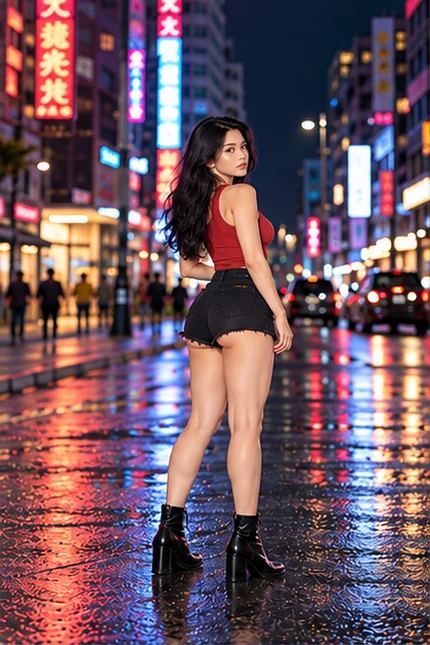
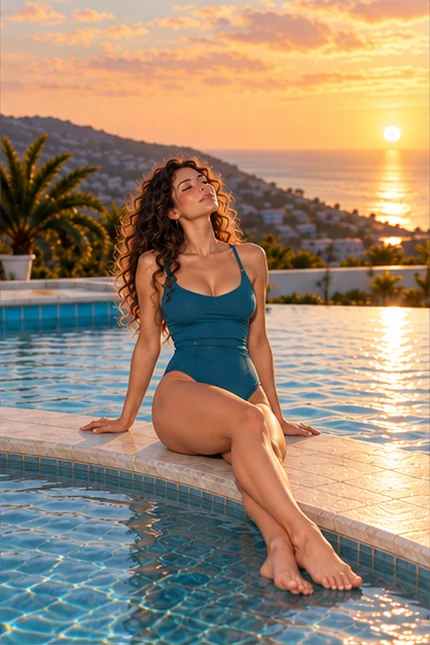
Three ways. See what changes.
Your photo is the starting point. Give the pose a direction with a preset, your words or another image.
Pick a pose. Skip the writing.
An overhead stretch changes the silhouette of this night portrait. The selected preset image guides the body position.
Put your idea into words.
From sitting to standing: describe the body angle, hands and gaze.
Your promptStand in profile beside the pool, with both hands on your waist, one knee slightly bent and your face turned toward the camera.
Your person. A pose from another photo.
The first image supplies the person and outfit. The second supplies the body position.
The reference’s balance and arm placement, with the original red hair, outfit and setting.
Three ways to find your next pose.
Start with an idea, a few words or a reference you already love. Your own photo stays the starting point.
See it. Select it.
Browse 54 standing, seated, leaning and movement-inspired poses without leaving the tool. The selected image becomes your pose reference.
Write exactly what moves.
Set the body angle, hand placement and gaze yourself. Your personal prompt stays separate from the preset you last selected.
Bring a pose photo.
Add your subject first and the pose reference second. Built-in instructions assign a different role to each image.
54 poses. Find your angle.
AI-created pose inspiration. Choose a direction for your own photo; these images are references, not a promise of an identical result.
City look-back
Poolside support
Noir chair turn
Comic stretch
Retro wall bend
Beach kneel
Lounge recline
Dancer balance
Watercolor seat
Café turn
Cushion-side sit
Future stance
Upright kneel
One knee raised
Side floor sit
Supported floor sit
Cross-legged
Side recline
Profile curve
Back glance
Overhead stretch
Side lunge
Knee against wall
Ledge lean
Stool twist
Forward seat
Supported stool
Raised knee
Knee embrace
Sitting on heels
Hip shift
Over the shoulder
Arms overhead
Against the wall
Runway stride
Hair sweep
Crossed-leg chair
Sideways on a stool
On the steps
Sofa glance
Window seat
Chin on hand
Balcony lean
In the doorway
Hands on the table
Beside a column
On the sofa arm
Window lean
Dress in motion
Walking away
Side step
Jacket over shoulder
Dance step
Turn into the breeze
Choosing a pose does not spend credits. Only Change pose starts a generation.
A different mood, without a new subject.
Use the pose to shape the photo. Start with the kind of framing you actually want.
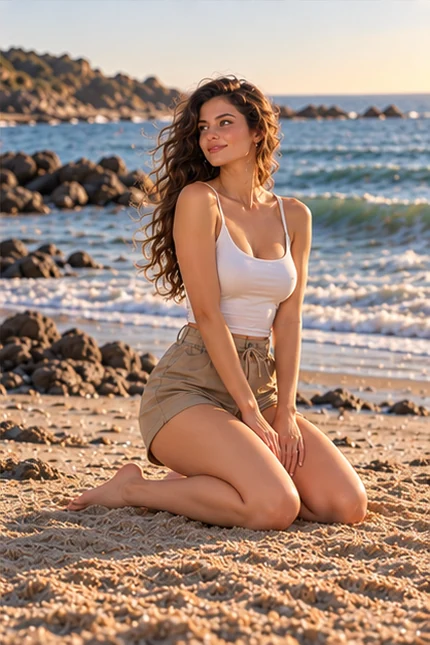
The over-shoulder look
A slight turn, a direct glance and an open shoulder line. A good starting point for glamour portraits with attitude.
Focus: torso angle · eyes · shoulders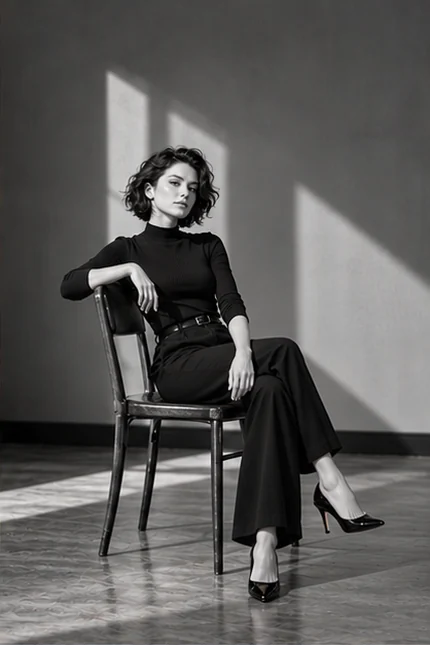
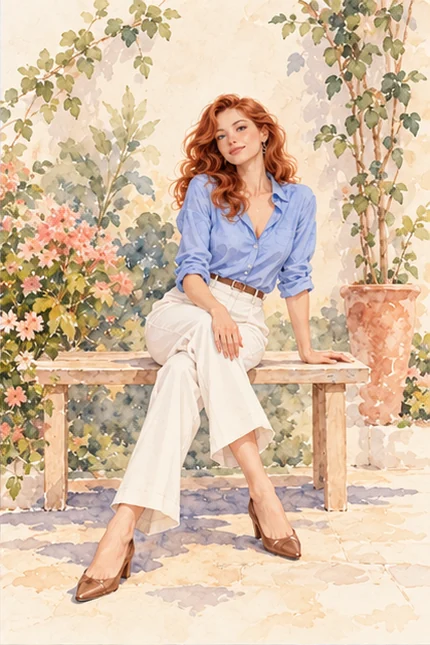
A confident seated frame
A chair, a low step or a sofa gives the body an anchor. Keep the knees, hands and support points visible in the reference.
Focus: weight · knees · hand placement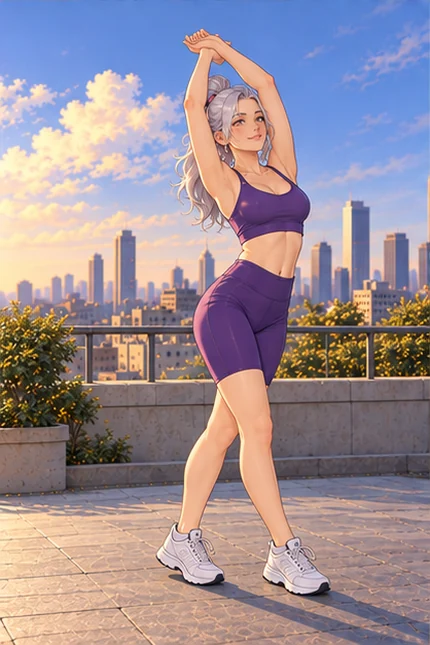
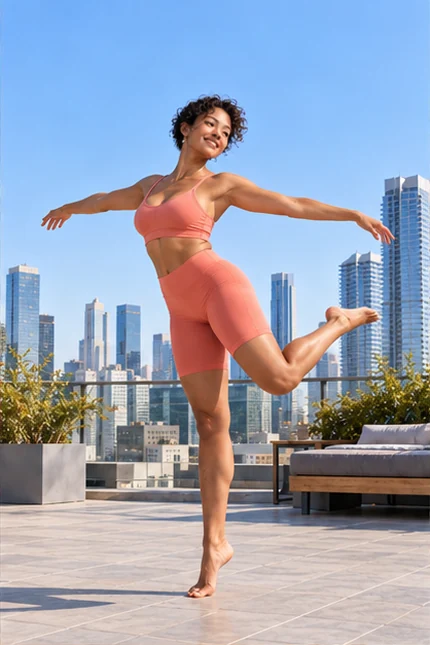
Movement in a still
A walking step or a gentle turn adds energy to a single image. Describe a held moment so the pose stays readable.
Focus: balance · silhouette · directionFrom your photo to a different pose
- 01
Start with your subject
Choose a clear photo with one adult person. A full-body image gives the AI more information for a full-body pose.
- 02
Choose the body language
Pick a preset, write your own prompt or upload a target-pose photo. Your choices stay separate when you switch modes.
- 03
Create, inspect, keep
Check the face, hands and clothing in the result. Download the version you like or adjust your next direction.
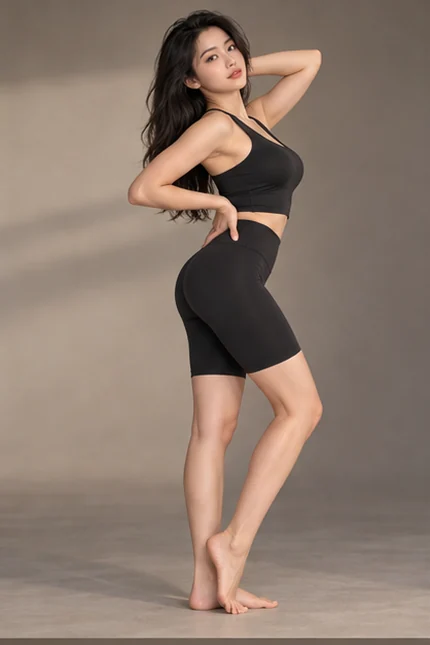
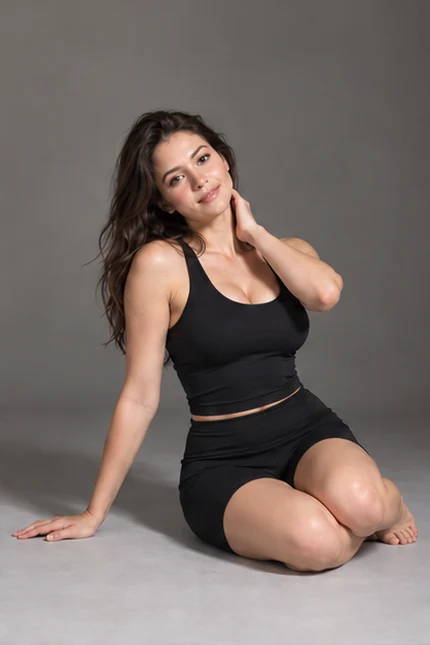
Input roles illustrated with pose inspiration; not a generated before-and-after.
Your person. The other photo’s pose.
Two images with two clear jobs. Give the AI a subject to keep and a body position to follow.
- 01
Keep from image 1
The instruction asks to retain the face, hairstyle, outfit and setting of your source. Start with a sharp photo of one adult.
- 02
Follow from image 2
Use a visible silhouette, arm and leg placement, torso angle and gaze. A similar camera angle gives the model less to invent.
- 03
Check the finished photo
Look at identity, hands and clothing after the edit. Large rotations and hidden limbs can drift; a reference guides the result rather than locking every joint.
Pose inspirationGive the pose room to work.
The best starting photo shows the parts you want to move. A close-up cannot provide details that were never in the frame.
Show the silhouette
For standing and seated poses, use a photo with the torso, arms and legs visible. Leave some space around the subject.
Keep one clear subject
Sharp facial detail, even lighting and a simple background make the requested change easier to interpret.
Change the pose first
Keep the outfit and setting in your first edit. Request several large changes together and the result can drift further from the original.
A pose is more than “make it different”.
Tell the AI pose editor what moves and what stays. Specific directions give you a clearer starting point than a long list of mood words.
Body & weight
“Three-quarter angle, weight on the back leg.” Set the silhouette before small details.
Hands & gaze
“Left hand at the waist, eyes looking back.” Keep the instructions physically compatible.
What stays
Keep the face, hairstyle and outfit in the direction. Check the output: preservation is a request, not a guarantee.
Small instructions. A more deliberate pose.
In Your prompt mode, describe a physical change. Keep the first attempt focused so you can judge what worked.
Make the pose more attractive.
Turn the torso three quarters away and look back over the near shoulder. Keep the shoulders relaxed.
Why it helps: The rotation and gaze define the silhouette without asking for a different person.
Know what happens before you create.
One click, one image
Every mode creates one still image. The current credit cost is shown on the button before you submit.
No surprise generation
Browsing, switching modes and selecting photos do not start the model. Click Change pose when you are ready.
Saved to your account
Completed creations appear in My creations, with a download for the saved image. Failed generations are refunded automatically.
Before you change the pose
How does the AI pose changer work?
Upload your photo, then choose one of three modes: a preset pose, your own text prompt or a target-pose photo. Presets use the selected pose image as visual guidance. Pose photo uses your uploaded reference instead. Nothing generates until you click Change pose.
Can I make a different pose without changing the face?
The starting directions ask the model to preserve facial features, hair and clothing. Results can still vary, especially with large rotations or hidden limbs. Compare the face and details before keeping an edit.
Can I upload a second image as a pose reference?
Yes. Choose Pose photo, put the person to edit in image 1 and the target pose in image 2. The photos are prepared together as a labeled reference for the image editor. Built-in instructions keep the first person and use the second image only for pose. This is guided editing, not exact skeletal control.
Can I use it as an NSFW pose generator?
The Spicy image editor supports adult creative imagery, including glamour and suggestive styling. Use images of adults only and follow the content rules. “Uncensored” does not mean every request is supported or every result is guaranteed.
Is changing a pose free?
Browsing poses is free. Creating an edit requires signing in and uses the credits shown beside the generation button. Selecting a pose does not spend credits.
What if the hands or body look wrong?
Try a smaller pose change, a less cropped source and simpler hand placement. Generate a new edit only after reviewing the direction; each new generation uses credits.
Does this generate a video?
This page creates still images. Once you have an image you like, use Image to Video for motion. Video generation has its own credit cost and access requirements.