
AI Kissing GeneratorA photo. A spark. A kiss.
Start with a couple photo or two separate portraits. Bring the two of you into one scene, choose a kiss or embrace, and direct your own romantic video.
Couple photo
Add one clear portrait of each adult. We create a shared photo first.
Photo creation is charged separately. Video credits are charged only when you generate the video.
More settings
Video requires an active subscription.My creations
Kissing inspiration
One couple photo or two separate portraits?
You do not need to be in the same photo to start.
Already together
Upload your shared photo and go straight to the video. This gives the model the clearest starting scene.
Two photos, one scene
Add one portrait each. Create and review a shared couple photo, then animate it. Similar angles and lighting help keep both people recognizable.
More than one way to say “miss you”.
Start with the occasion. Choose a direction, then add the people who make it yours.
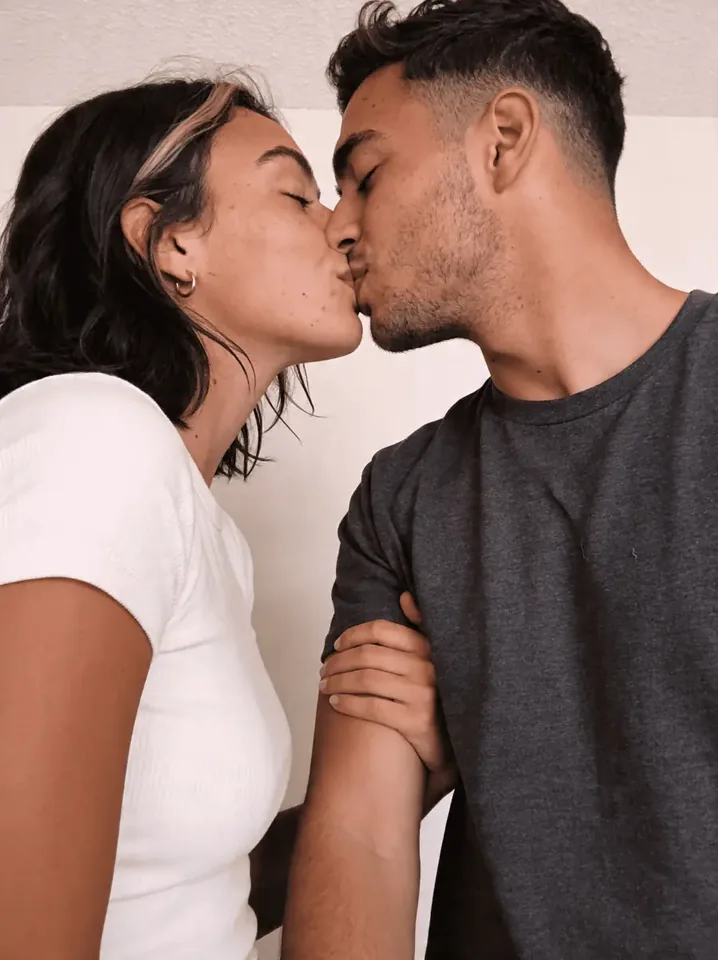
A little closer, wherever you are.
Turn two separate portraits into a shared moment. Make the couple photo first and check both faces before adding a gentle kiss.
- Start with
- Two clear portraits with similar angles and lighting.
- Scene direction
- Warm evening light, a quiet background and a steady medium close-up. Keep the movement soft and unhurried.
Every kiss has a mood.
Soft, cinematic, playful or caught in the rain. Choose a direction, then make it your own.
Golden-hour chemistry
A gentle kiss
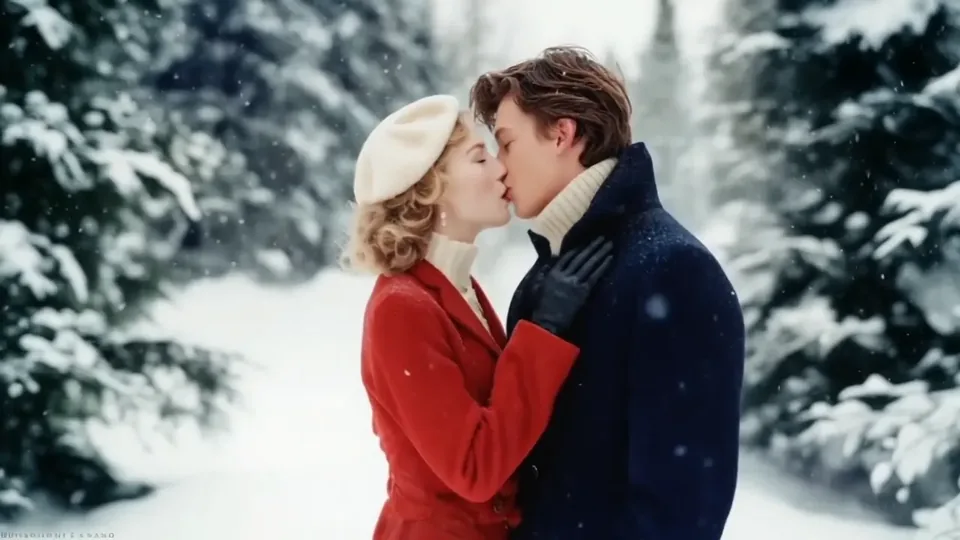
French kiss
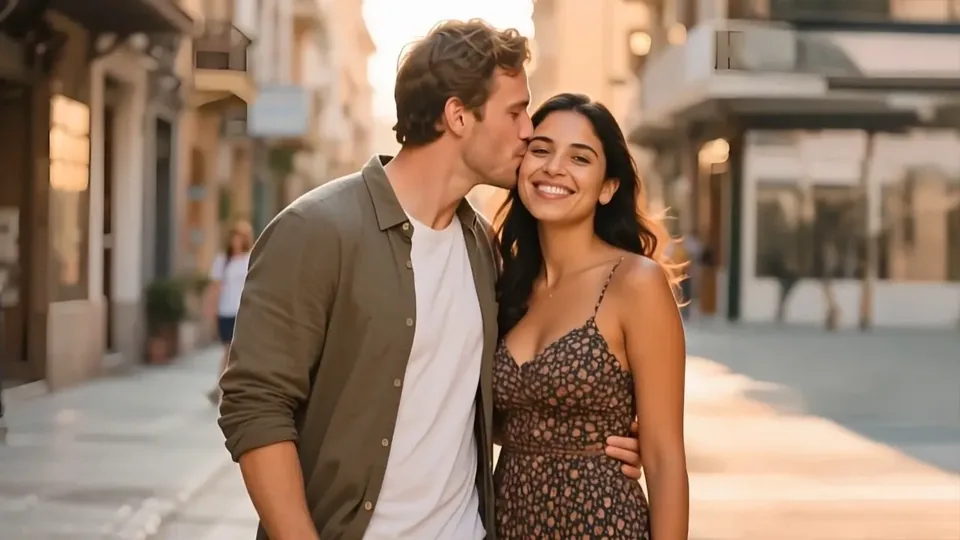
A cheek-kiss moment
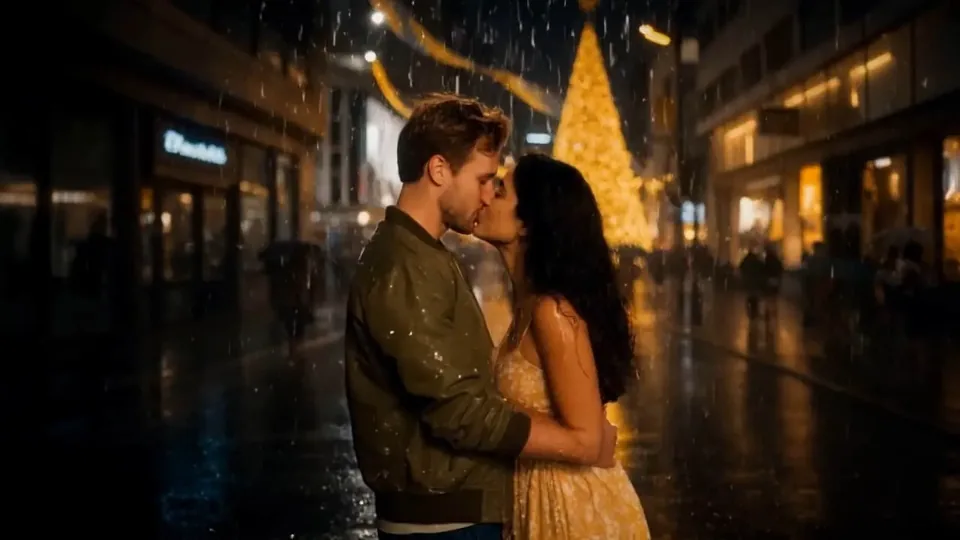
Romance in the rain
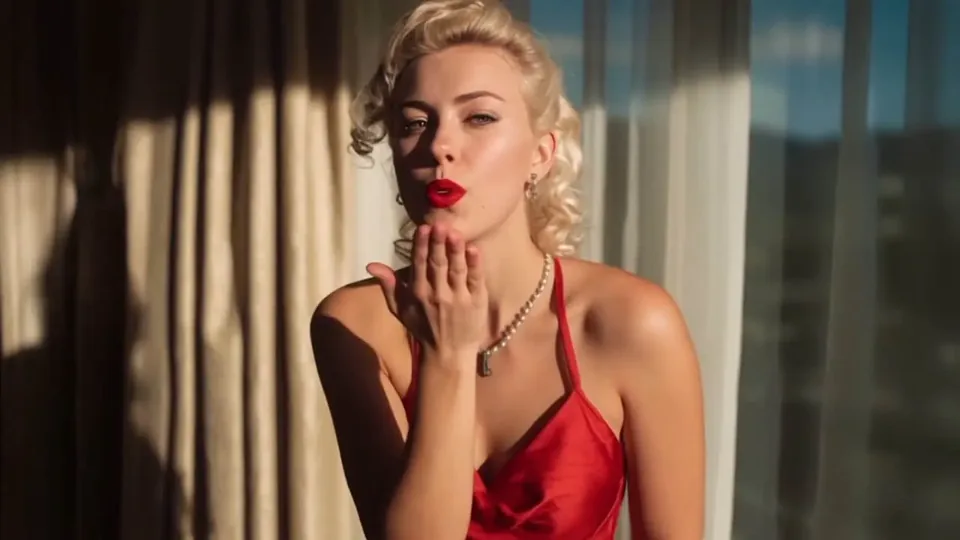
A playful air kiss
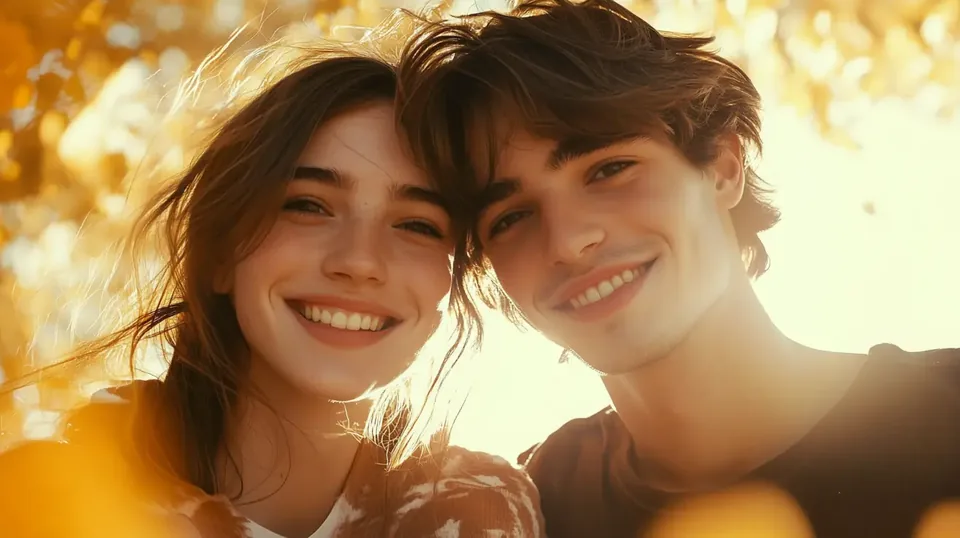
Together in one scene
A soft hello
A kiss on the forehead
A cheek kiss and a smile
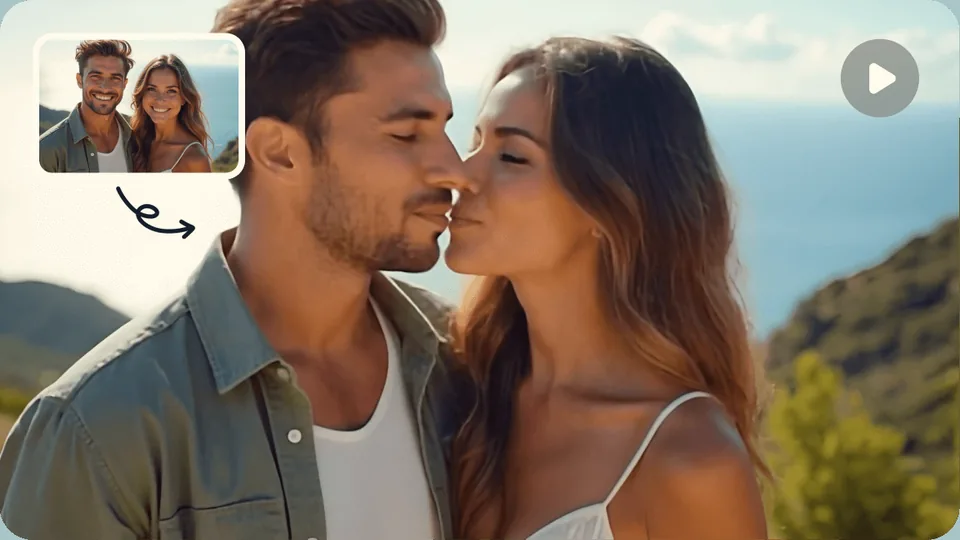
A fictional love story
A warm embrace
How to use the AI kissing video generator.
- 01
Add the two of you
Add one photo with both people, or choose Two portraits and create a shared photo first. Review both faces before animating.
- 02
Choose the moment
Pick a kiss style. Add a direction if you want a particular mood, light or camera movement.
- 03
Generate, watch, save
Check the credits, create your clip and download the video directly when it is ready.
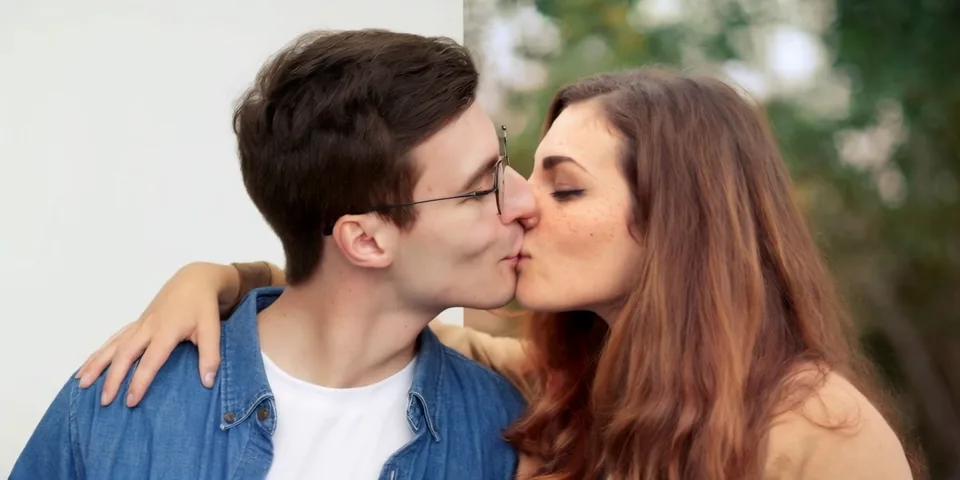
The photo sets the chemistry.
Give the AI a clear moment to build on. A few details in your starting photo make the motion easier to follow.
Both faces in view
Choose sharp, visible faces. Heavy shadows, sunglasses and hands over a face make it harder to preserve detail.
A little closer together
Two people already near each other need less invented movement than a pair on opposite sides of the frame.
Space for the kiss
Leave room around the faces and shoulders. Check your crop before creating a vertical clip.
A better prompt starts with one clear moment.
The selected style already describes the gesture. Use your direction for the light, pace and camera instead of a long list of competing actions.
- 01
Keep one main gesture
A cheek kiss, forehead kiss or embrace is a clear starting point. Save complicated sequences for a longer clip.
- 02
Build on the photo
Match its setting and light. A new location is easier to establish in the starting image than during a kiss.
- 03
Give the camera one job
Try a steady medium close-up or a slow push-in. Fast pans and big turns can make faces harder to follow.
Keep the original setting and clothes. Warm evening light, a steady medium close-up and slow, natural movement. Hold the final pose briefly.
This fills the tool above. You can edit it before generating; choosing it does not spend credits.
Choose settings for the moment.
A short kiss, a longer embrace and a vertical story need different choices.
| Setting | A useful starting point | What to watch for |
|---|---|---|
| Length | 4–5s for one gesture; 8–10s for a slower sequence. | Choose from the lengths your model supports. More time leaves room for movement but uses more credits. |
| Framing | 9:16 for a vertical story; 16:9 for a wider scene. | Keep both faces and shoulders inside the frame. Some models inherit the source image’s shape. |
| Resolution | Start at a lower resolution to explore a direction. | Higher resolution can help with a larger display; it cannot fix blurry faces in the source photo. |
| Sound | Keep audio on when you want the model to add sound. | Audio controls appear only for supported models and may change the price. Check the finished track before sharing. |
Available lengths, framing and resolution depend on the selected model. The tool shows the supported options and updates the credit quote.
Know what each step costs.
Video needs an active subscription and enough credits. Two portraits add a separate photo step; you review that photo before paying for the video.
The photo price comes from the same rate calculation as the tool. Video cost changes with model, length, resolution and sound.
Failed tasks return their credits
A confirmed failed task returns the credits charged for that stage. A completed photo and its video are separate tasks; an unclear status is checked before a refund.
Credit return policyYour creations stay in your account
Uploads and results use private storage with time-limited links. The selected generation service processes the media needed to make your result.
Privacy detailsDownload the moment you want to keep
Open the result here or in My creations and save it directly. Plan to download within the seven-day storage window; do not rely on the site as a permanent archive.
A few things before the first kiss.
Is this AI kiss generator free?
Video generation requires an active AINSFW subscription and enough credits for your settings. The cost appears before you generate. Daily free credits are for images.
Do I need one photo or two?
Use one couple photo for direct video generation. For two separate portraits, select Two portraits, add one adult per photo, and create a shared couple photo. Review it, then generate the video. Photo creation and video generation are charged separately.
Can I make a French kiss video?
Choose the French kiss style, or describe your own romantic direction. The result depends on the source photo and model; review the faces and movement before sharing.
Will the faces stay exactly the same?
AI animation can change expressions and fine facial details. Clear faces close together give it a stronger starting point, but an exact match is not guaranteed.
Can I change the length, quality or sound?
Open More settings to choose the available model, length, resolution, framing and audio. The credit cost updates with your choices. Models without audio do not show an audio switch.
Where do I find my video, and how long is it saved?
Your result appears here and in My creations. Download it directly to keep a copy. Generated results are saved for seven days.
What happens if generation fails?
Confirmed failed tasks return their charged credits. If the request status is unclear, use Check & retry or refresh the task before starting again; the saved request is checked without creating a duplicate.
Can I choose a cheek kiss, forehead kiss or hug?
Yes. Choose a motion preset, then add an optional direction for the mood or camera. Cheek, forehead and air kisses use different actions; Warm hug creates an embrace without a kiss. These are prompt presets, so the final movement depends on the model.
Make the next moment a kiss.
Your photo sets the scene. Your imagination takes it from there.