
STUDY 01Beachwear
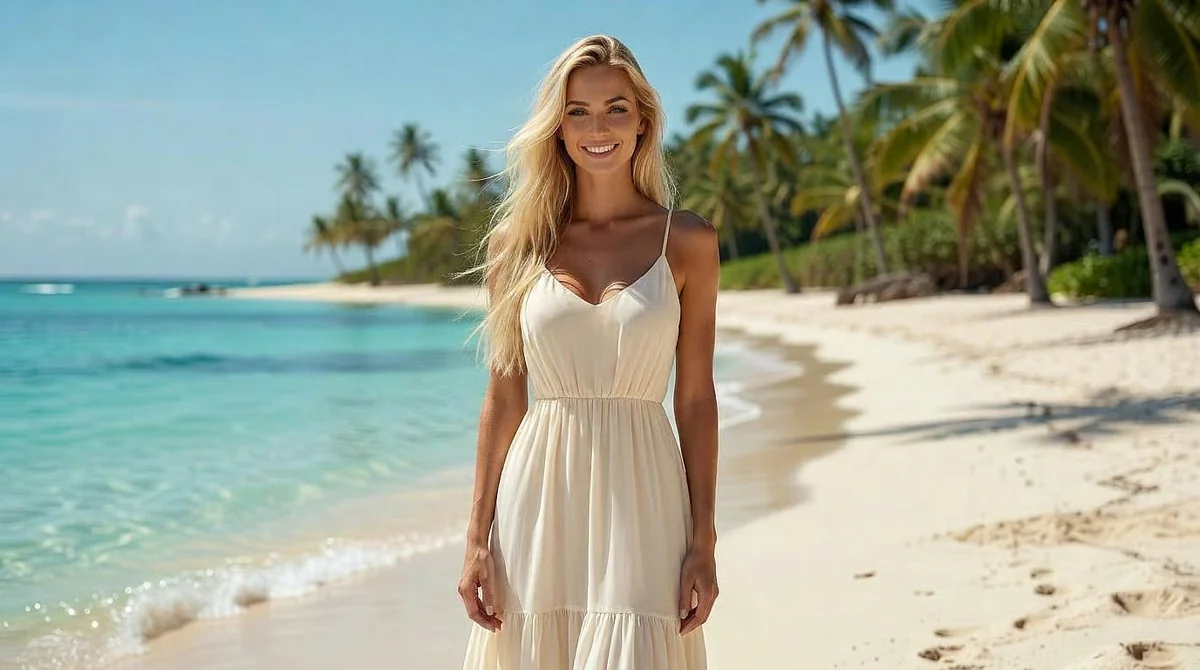 Before
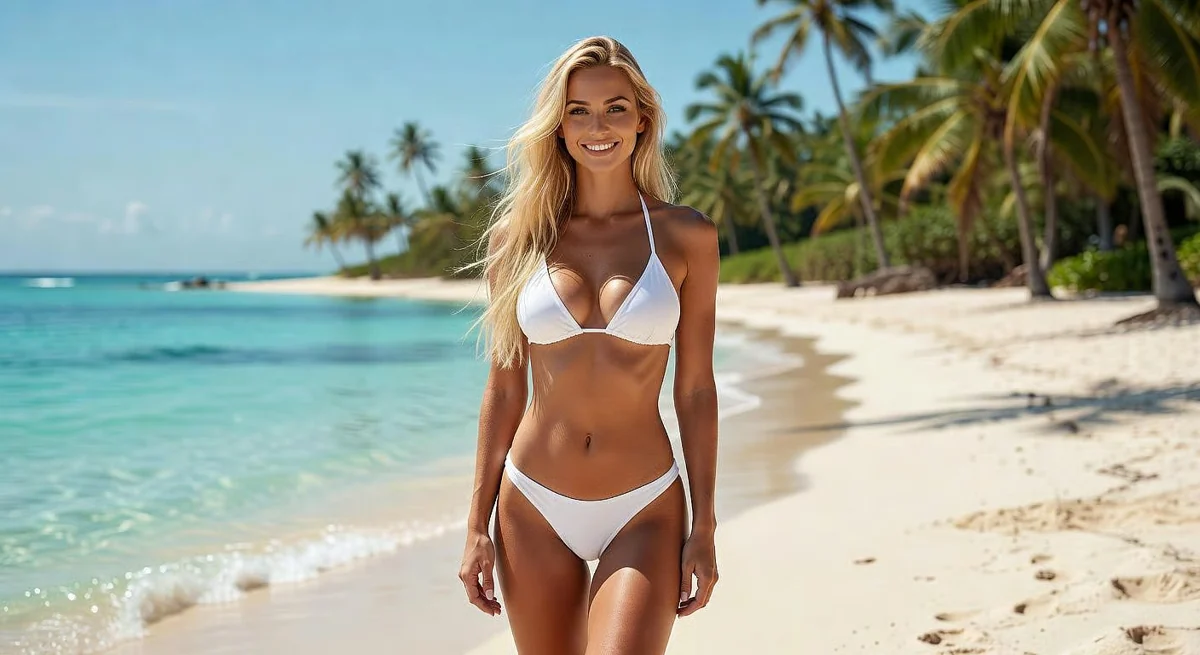 After
AfterA new look for a sunlit escape.
Restyle the adult model in a white two-piece bikini for a beach fashion photo. Preserve her face, hairstyle, standing pose, tropical beach and bright daylight.
QWEN IMAGE EDIT SPICY · IMAGE TO IMAGE
Dream up a new world. Make it part of your image.
Turn your reference into the scene you imagine. Change the setting, light, color or style with a written instruction in this uncensored AI image editor.
JPG, PNG or WebP · Up to 10 MB · 18+
01 / DIRECT THE CHANGE
Start with an edit direction, then adapt the instruction to your image. These are prompt ideas, ready for your own reference.
Direct the light and mood without starting from a blank image.
Relight the image with soft window light from the left, warm highlights and gentle shadows. Keep the subject, outfit, pose, background and framing unchanged.
02 / BEFORE & AFTER
Try a new outfit, change the setting or reshape the mood. Start with your own image and describe the look you have in mind.
BeforeAfterRestyle the adult model in a white two-piece bikini for a beach fashion photo. Preserve her face, hairstyle, standing pose, tropical beach and bright daylight.
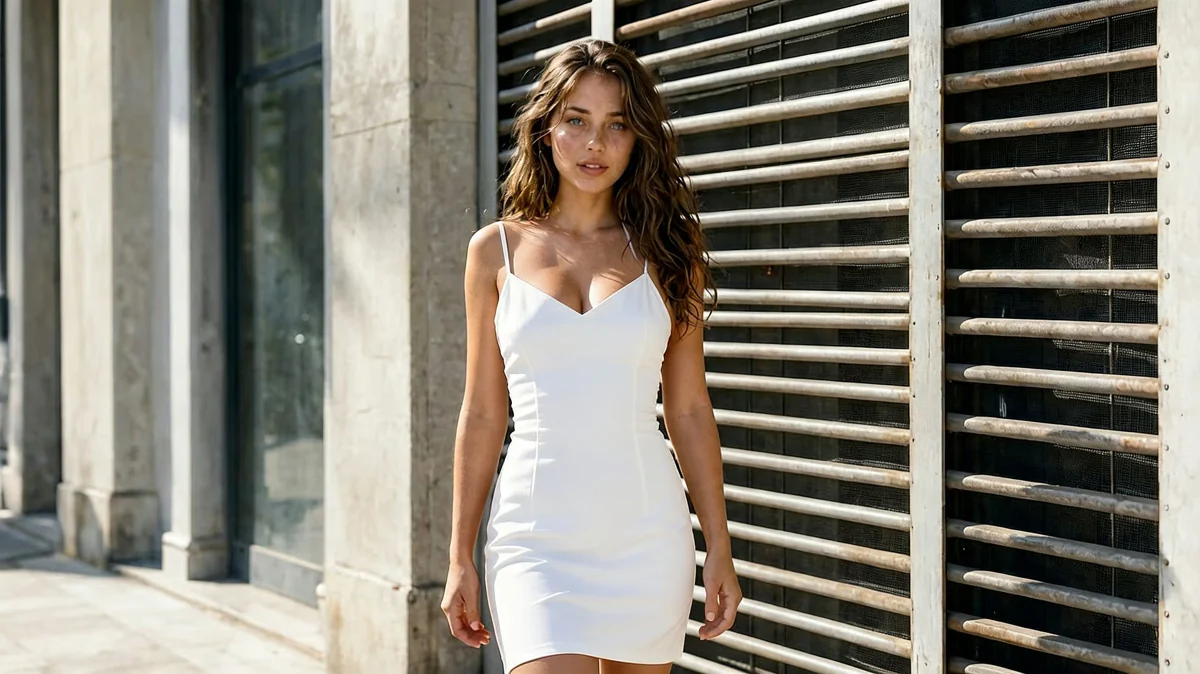 Before
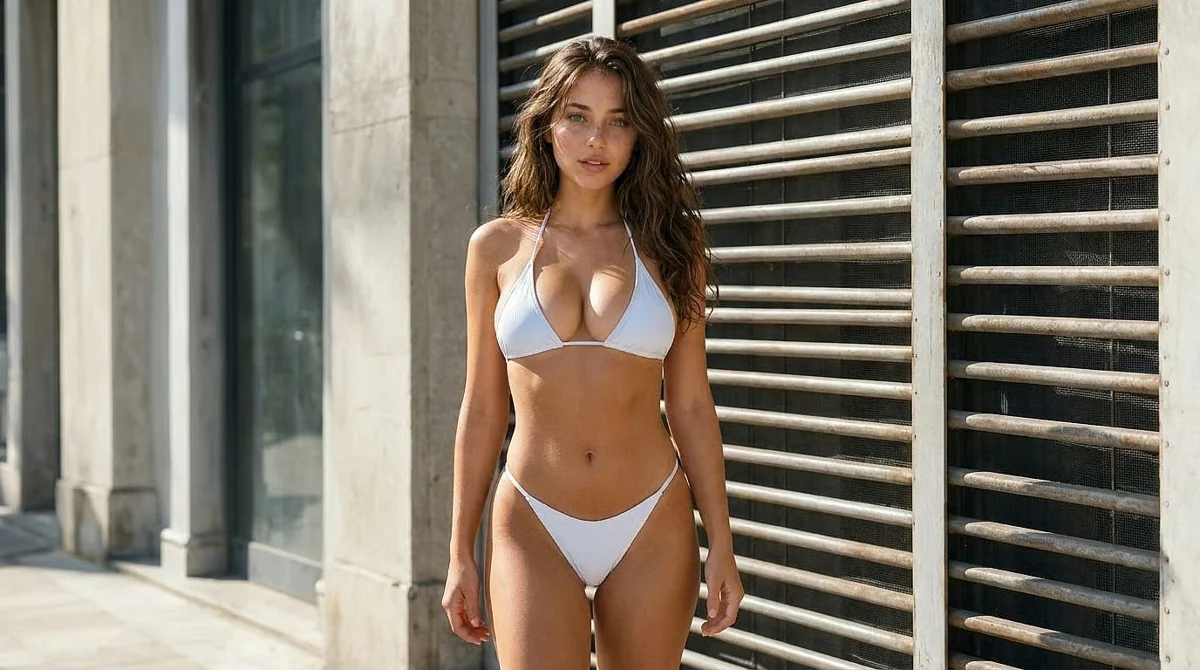 After
AfterReplace the adult model’s white mini dress with a white two-piece swimsuit. Keep her face, long brown hair, standing pose, urban backdrop and natural daylight consistent.
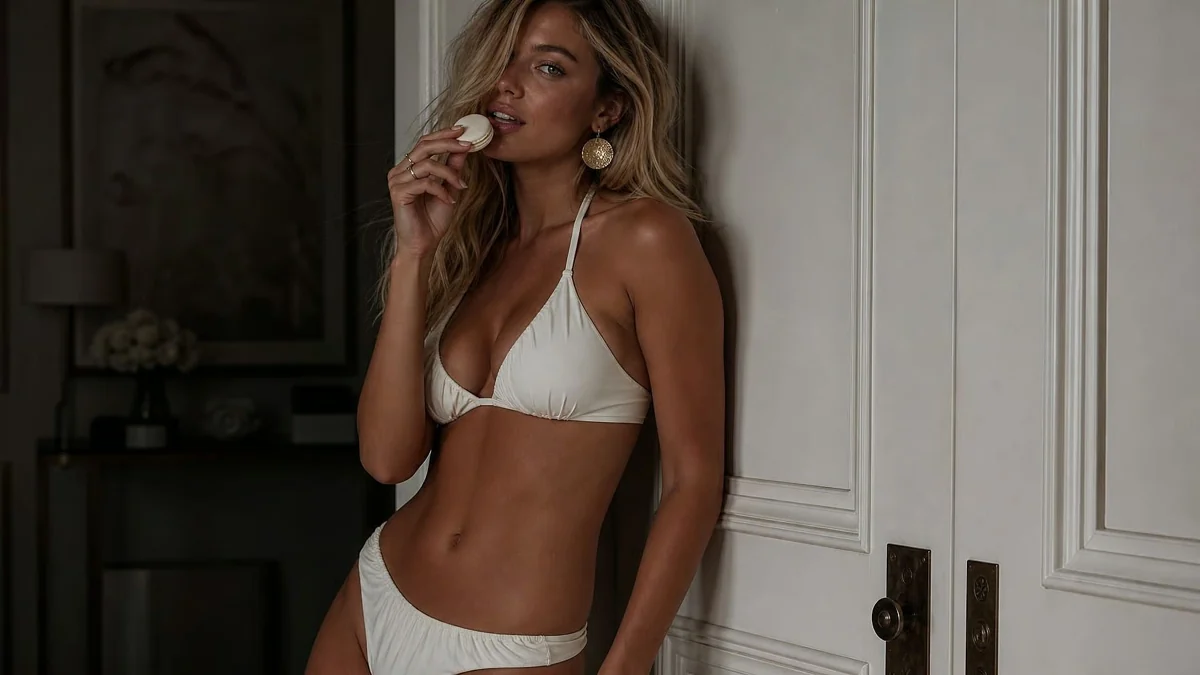 Before
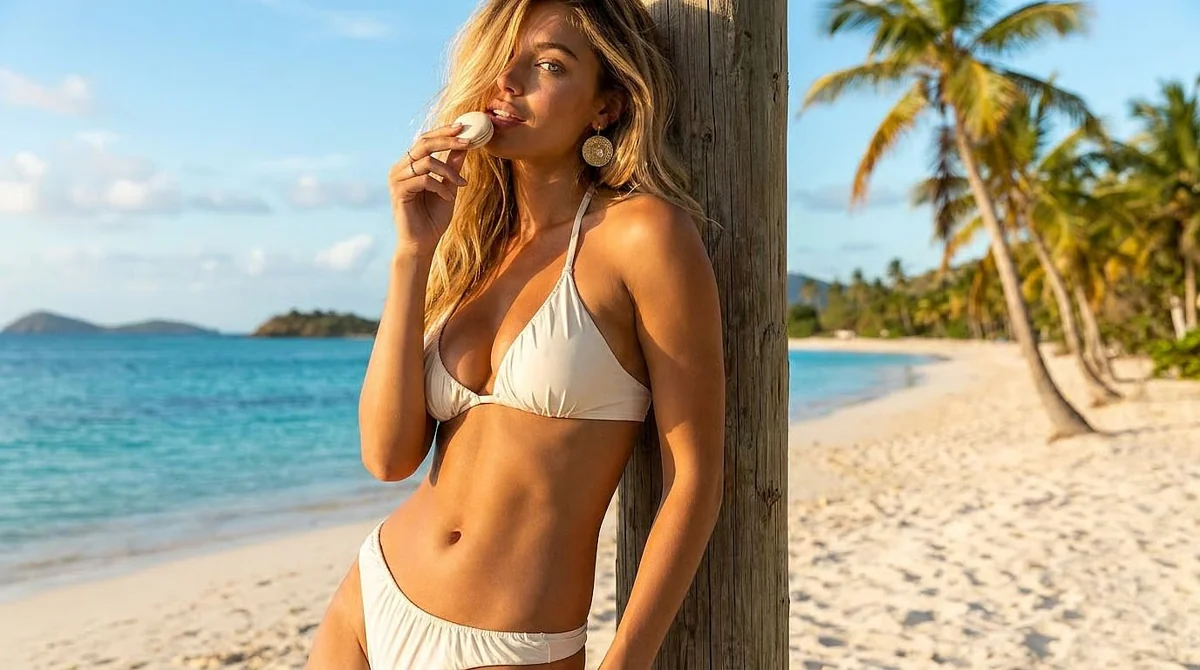 After
AfterMove this adult swimwear portrait from the indoor setting to a tropical beach beside a palm tree. Add warm golden-hour sunlight. Preserve the white swimsuit, hairstyle, expression and hand gesture.
03 / FROM REFERENCE TO RESULT
Upload one reference, or open a completed image in My creations and choose Edit this image.
Name the change and the details to keep. Review the 8-credit quote beside Generate.
Find the finished image in My creations. Download it, edit it again or animate it with a video model.
04 / THE PRACTICAL DETAILS
Give your image a setting from your imagination, a dreamlike palette or a whole new style. Describe the change to Qwen Image Edit Spicy and bring your next idea into the frame.
For adults 18+. Use images you have permission to edit. Model limits and content rules apply; an edit may change details beyond your instruction.
Content guidelinesThe quote is visible before you generate.
Plans & creditsNOTES FROM THE EDITING DESK
An image generator starts from words. This NSFW AI image editor starts from one image and a written editing instruction. Use Qwen Image Edit Spicy to modify a reference; use Z-Image Spicy on the Image generator page to create a new image.
Yes. Choose My creations, open a completed image and select Edit this image. You can also upload your own JPG, PNG or WebP up to 10 MB. Use an image you created or have permission to edit.
Qwen Image Edit Spicy accepts one reference image per edit. The output frame follows your reference. This workflow uses written instructions; it does not include a paintbrush, a selection mask or multi-image editing.
Each Qwen edit costs 8 credits. Registered accounts receive 10 daily image credits, usable for image generation and editing. Review the quote beside Generate before you submit. Video generation requires an active membership and sufficient credits.
The editor offers a Spicy creative workflow for adults aged 18 and over. Uncensored does not mean every request is accepted: content rules and model limits still apply. Only upload images you have permission to use.
An edit can change details beyond your instruction. Name what should change and what should stay, use one clear request at a time, and review the result before continuing. Exact identity or pixel-perfect preservation is not guaranteed.
A confirmed failed generation returns the charged credits to their original balance. Completed images appear in My creations and the Library, with a credit receipt. Creations are saved for one week, so download images you want to keep.
A NEW LOOK STARTS HERE
8 credits per edit · 10 daily image credits for registered accounts.