
YOUR LOOK
Give the details a direction
Define the expression, outfit, setting and light in your prompt. Explore a soft portrait, a bold editorial or an imagined world with Z-Image Spicy.
Create a frame. Explore a style. Make it yours.
HOW TO USE THE STUDIO
Build a new look from words, or use a reference to keep working on an image you already like.
Choose Z-Image Spicy for a new image. To edit your own picture, select Qwen Image Edit Spicy and upload one JPG, PNG or WebP up to 10 MB.
Set the subject, outfit, background, lighting and framing. For edits, name what should change and the features you want to keep.
Check the quote and generate. Open the result in My creations to download it, try another edit or choose Animate to turn it into a video.
WHY CHOOSE US
A portrait for your profile, a fashion concept or the first frame of a video. Start with words or bring a picture you want to work on.
Define the expression, outfit, setting and light in your prompt. Explore a soft portrait, a bold editorial or an imagined world with Z-Image Spicy.
Upload a picture to Qwen and ask for the changes you want. Describe the background or lighting to edit, and name the features you want to keep.
Choose Animate from a finished image in My creations. Add a smile, a turn or a camera move to build on the composition you already like.
Try image creation and reference editing with the daily credits on a registered account.
Choose portrait, square or landscape for a new image. Qwen follows your reference's shape.
Return to a finished creation and reuse its prompt to explore another variation.
01 / ART DIRECTION
Describe a subject, setting, lighting and frame shape to create an original image. If you already have a picture, upload it and describe the changes you want.
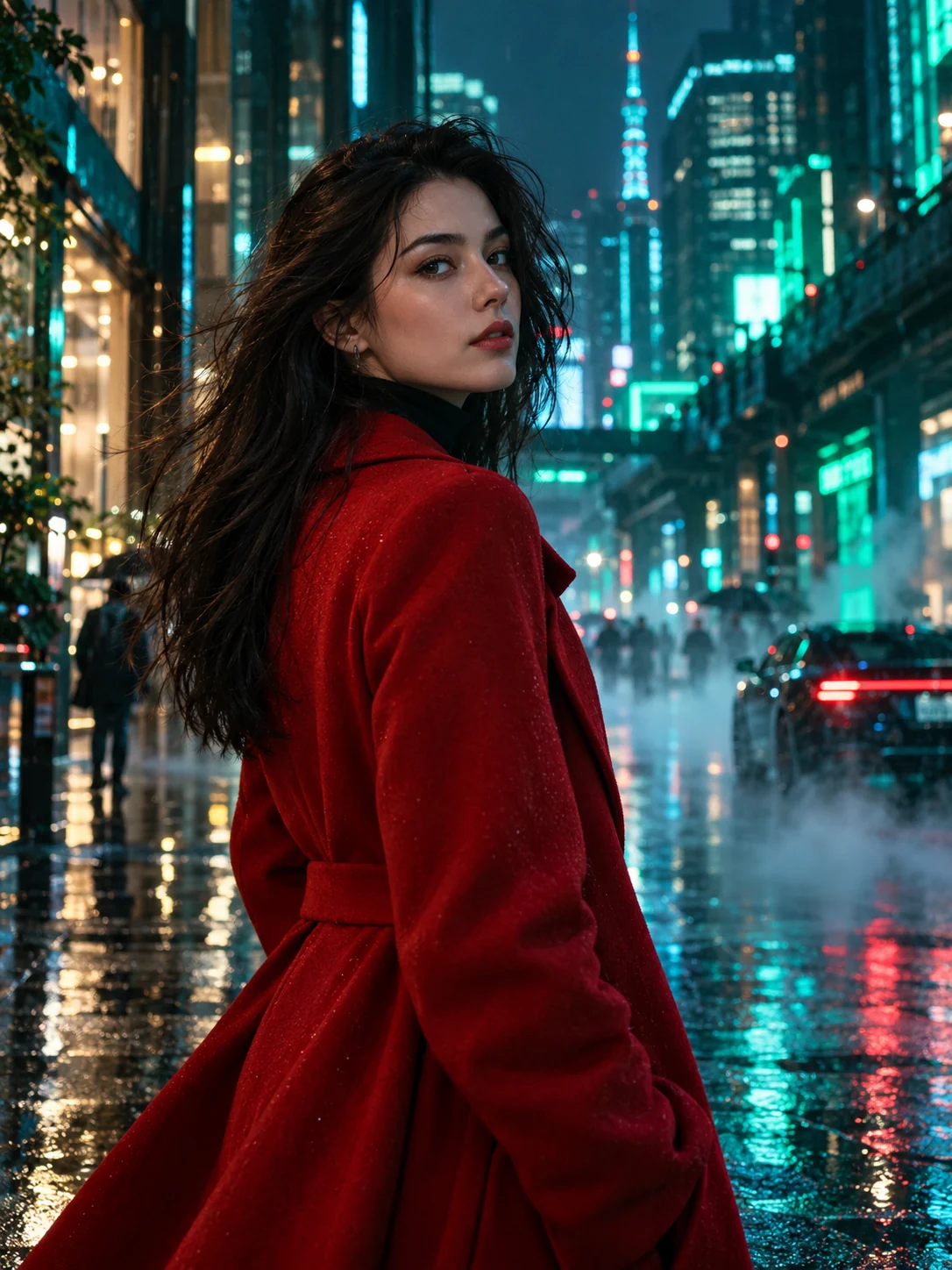
Start with the idea. The final image is yours to shape.
MORE TO EXPLORE
Explore imagined worlds, unusual materials and a different kind of light.
03 / THE EDITING DESK · QWEN IMAGE EDIT SPICY
Upload your image and direct the edit: a different background, softer light or a new finish. Tell Qwen what to change and which details to keep.
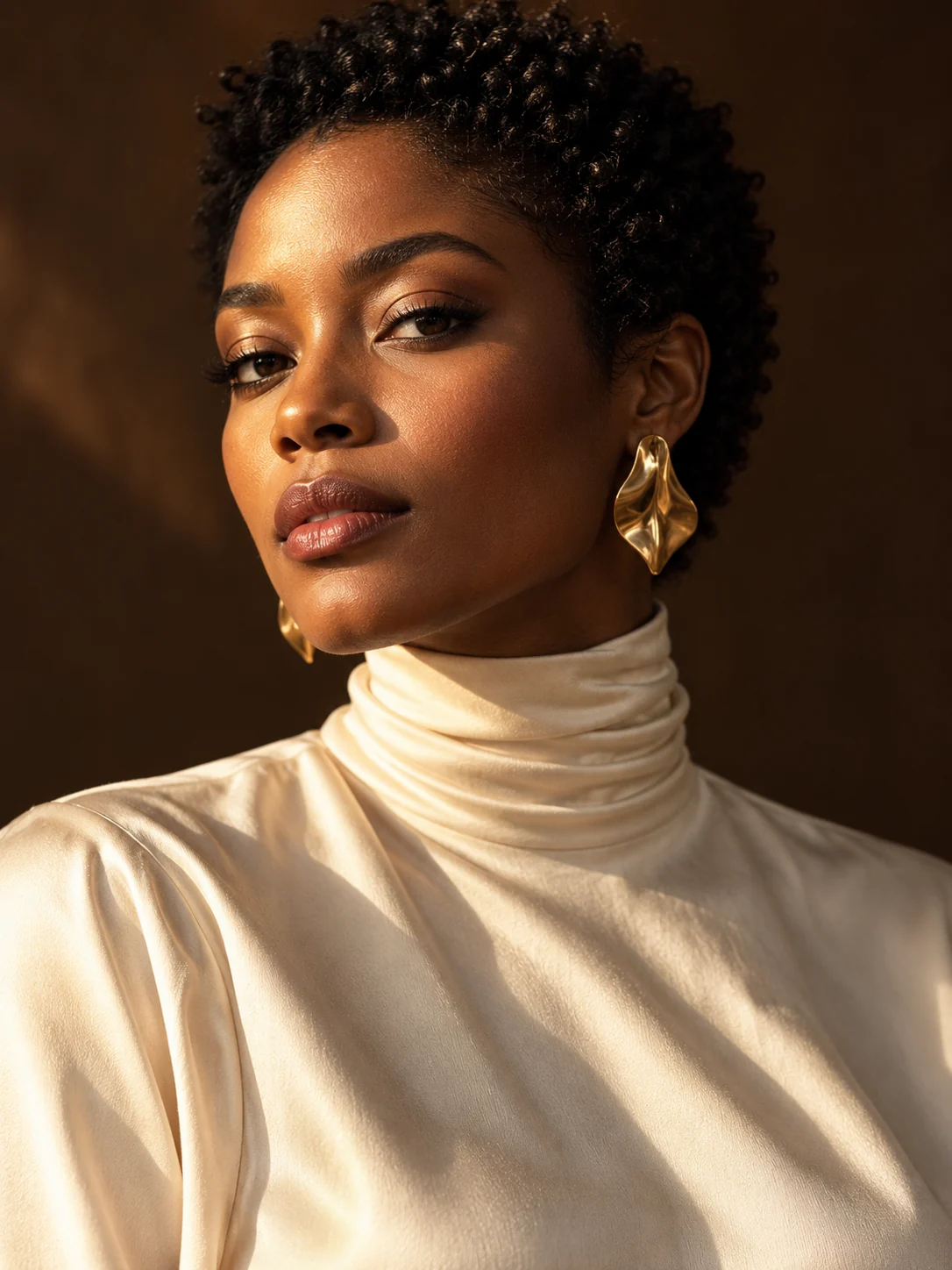
Relight with soft blue twilight. Preserve the subject, expression, clothing and camera angle.
WORDS INTO SOMETHING WORTH KEEPING
Start with Z-Image Spicy, refine with Qwen and keep your favorites in My creations. Registered accounts get 10 daily image credits to explore a new look.
Start with 10 daily image creditsVOICES FROM ACROSS THE STUDIO
A few words from the people
bringing their ideas to life.
I could upload the pictures I wanted to use.
I could turn the ideas I had in mind into results.
The Spicy options were the part I liked most.
Image generation is my favorite. There are so many creative ideas I can try.
It's exciting to see an idea from my imagination turn into an image.
I liked the image-to-image tool too. Working from a picture gave me another way to create.
The videos were the most exciting part for me. I really liked how they turned out.
NOTES FROM THE STUDIO
Choose Z-Image Spicy to create an image from a text prompt. Choose Qwen Image Edit Spicy to upload a picture and edit it. Each request returns one image, ready to download or continue working on in My creations.
Yes. Select Qwen Image Edit Spicy, upload one JPG, PNG or WebP up to 10 MB, and describe your edits. You can also open a completed image in My creations and choose Edit this image. The output frame follows your reference image.
Use your image as the Qwen reference. Describe the new background and explicitly name the details to keep, such as the face, expression, hairstyle, outfit and pose. A focused instruction gives the edit a clear direction.
Yes. Open a completed image in My creations, select the output you want and choose Animate. Add a motion prompt, choose Wan, Seedance or Vidu, then review duration, audio and the credit quote.
Describe the subject, setting, lighting and framing. For example: an adult fashion model in a black tailored jacket, a warm studio background, soft side lighting and a close portrait. Reuse the prompt and change one detail to explore another look.
Start with Z-Image Spicy for an original idea, or Qwen Image Edit Spicy for a reference you want to refine. Choose a visual direction from the gallery, adapt its prompt and review your settings before generating.
Yes. Registered accounts receive 10 daily image credits, usable for image generation and editing. The Generate button shows the credit quote for your selected model and settings.