
QWEN SPICY / YOUR VIRTUAL WARDROBE
AI clothes changer.A new look, same you.
Try the outfit you have in mind. Upload your photo, choose a starting style and describe the cut, color and fabric. Make your Spicy fashion idea a new image.
Start creating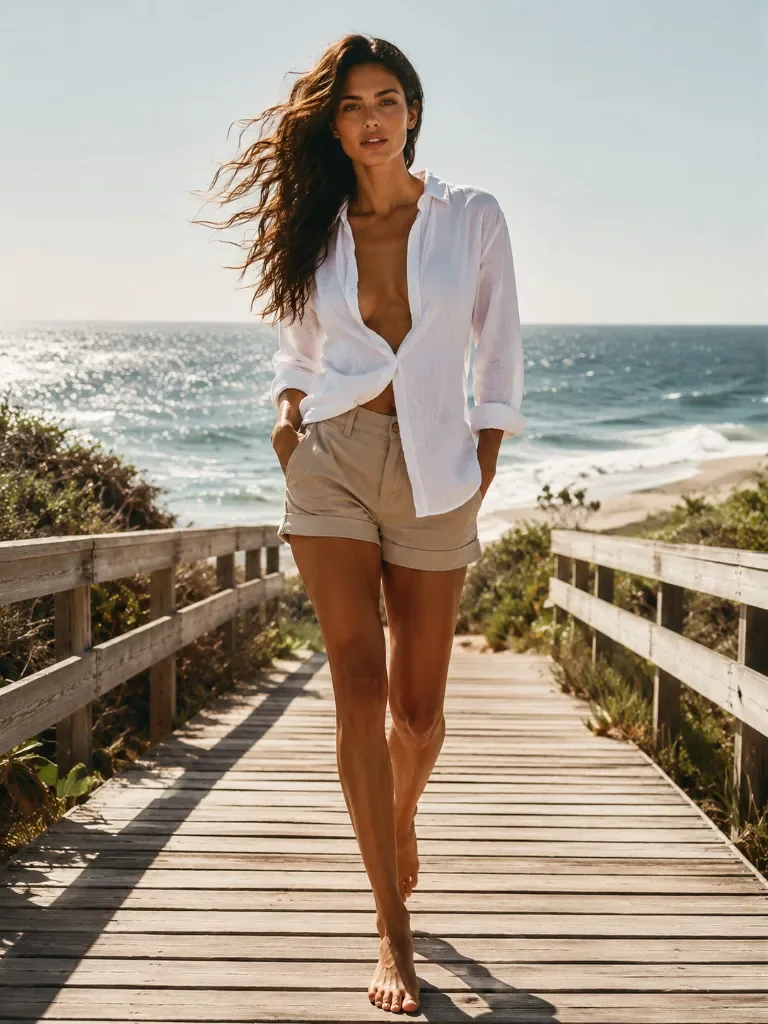
Pick a starting look
Keep the person, pose and background.
Your finished creation appears here.
?
8 credits × 1 = 8 credits
Qwen Image Edit Spicy
Charged when submitted. Confirmed generation failures return credits.
10 daily image credits after sign-in.
Open My creationsCreations are saved for 7 days. Download the ones you want to keep.
A wardrobe worth exploring.
Compare outfit and setting ideas, then bring your own photo and direction. Start with a look you like and make it yours.
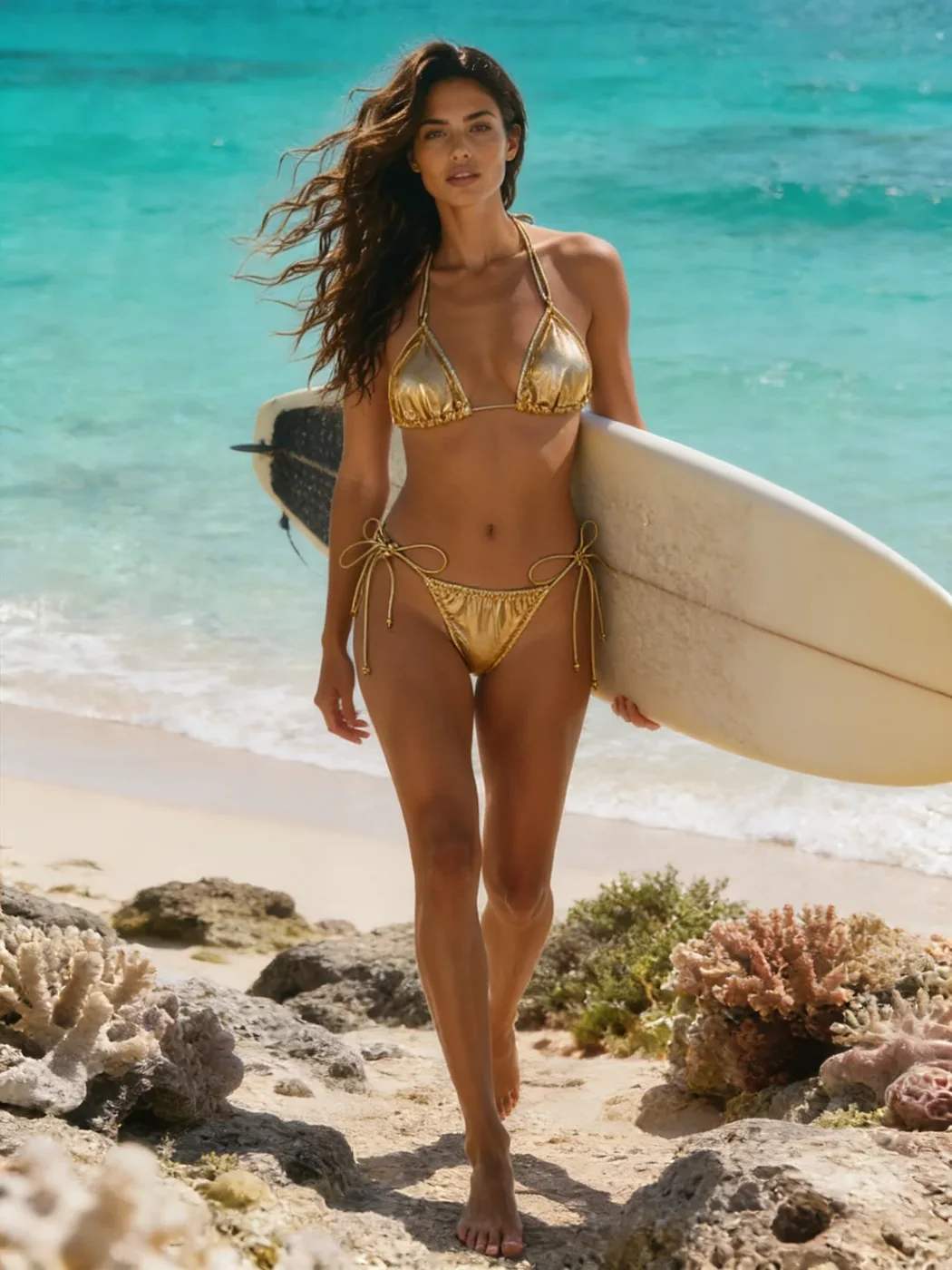
Golden surf
Blue lagoon
Red beachwear
Chocolate tones
Give the outfit a texture.
A garment name is only the beginning. Specify its material, finish and fit to give the AI clothes changer a clearer direction.
Satin
Soft sheen. Gentle highlights.
Fluid drape with folds at the waist.
Dress the adult subject in a deep-red satin evening dress with a soft sheen, fluid drape and natural folds. Keep the face, pose, body proportions and background.
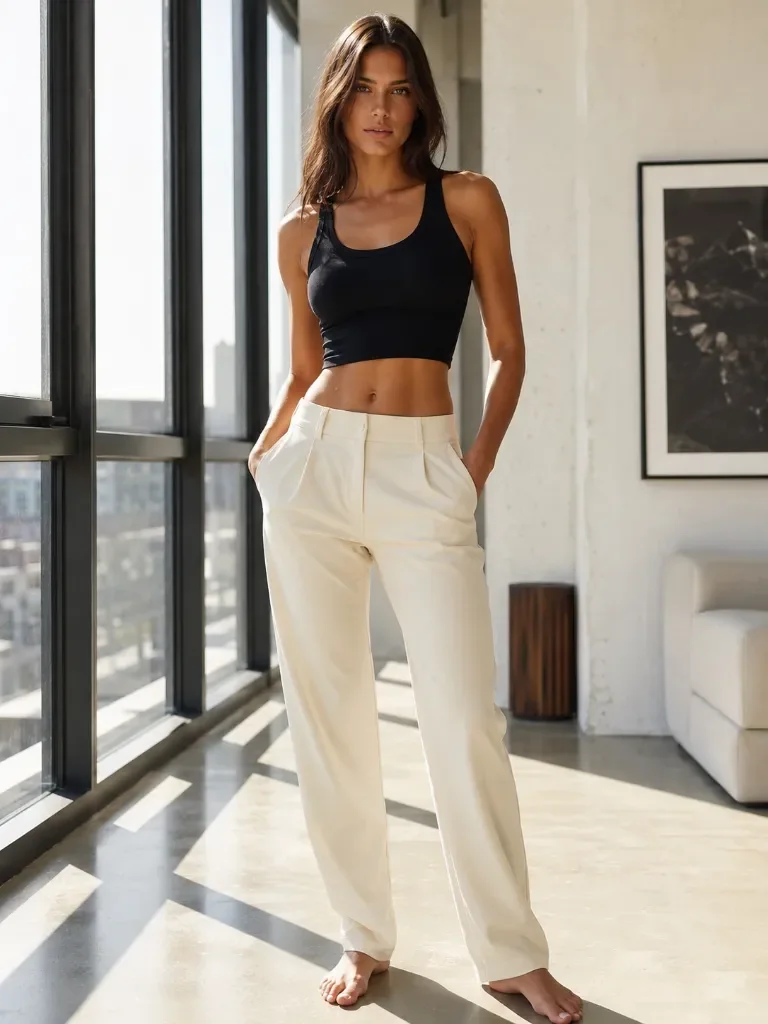
Let the model see the outfit.
Choose a frame that shows the area you want to change. Clear fabric edges and an unobstructed pose make your instruction easier to follow.
- 01
Show the whole garment
For a dress or swimsuit, include the torso and hips. A close-up face leaves little clothing to work with.
- 02
Keep the silhouette clear
Hands, bags and loose hair can cover the outfit. A simpler pose makes those boundaries easier to read.
- 03
Start with sharp detail
Use an original JPG, PNG or WebP up to 10 MB. Avoid tiny screenshots or heavy blur.
Describe the look in four lines.
Use the same photo for a focused outfit change. Add a setting change only when you actually want a new scene.
- Garment
- An emerald evening dress
- Material
- Satin, with a soft sheen
- Fit & detail
- Fitted waist, natural folds
- Keep
- Face, pose, light and background
Change the adult subject’s outfit to an emerald satin evening dress with a fitted waist, soft sheen and natural folds. Keep the face, body proportions, pose, lighting and background unchanged.
Look beyond the color.
Open the finished image at full size. If you refine it, use that result as your next reference and ask for one specific change.
Edges & straps
Look where fabric meets shoulders, arms and waist. Check for merged straps or irregular edges.
Folds & light
Check that highlights and folds fit the material. Ask for a matte finish or softer sheen if the texture looks too glossy.
The person & pose
Compare face, hands and proportions with your reference. An outfit instruction guides the edit; it does not guarantee every other pixel stays identical.
A few useful answers
How do I change clothes in a photo with AI?
Upload one photo, select a look or write the outfit you want, then review the 8-credit quote and generate. You can download the completed edit from My creations.
Can I use it as an AI bikini generator?
Yes. Choose the swimwear preset and adapt its color, cut and material for your adult reference. It creates a visual concept; it does not measure fit or reproduce an exact product.
Is this an uncensored AI clothes changer?
Qwen Spicy supports the creative direction used on this site. Content rules still apply, and a Spicy label does not guarantee that every input will be accepted.
Can I upload a second image of an actual garment?
This workflow accepts one person photo and a written outfit instruction. A separate garment-reference or mask input is not supported by this editor.