NSFW AI GIF Generator
One image. Your direction. A moment worth repeating.
Bring your adult characters and imagined scenes to life. Upload a photo, describe the movement, and get a looping GIF ready to save.
Create your GIF
A little movement.
A different feeling.
Explore portraits, glamour and illustrated characters. Open a GIF to see the loop at full size, then bring your own image and direction.
 GIF
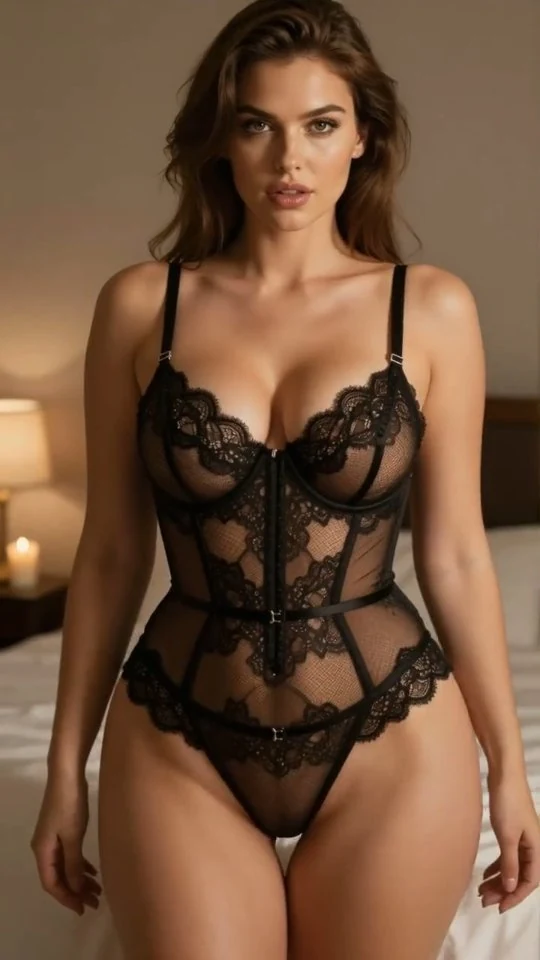
GIFBlack lace, soft light
A slow turn
 GIF
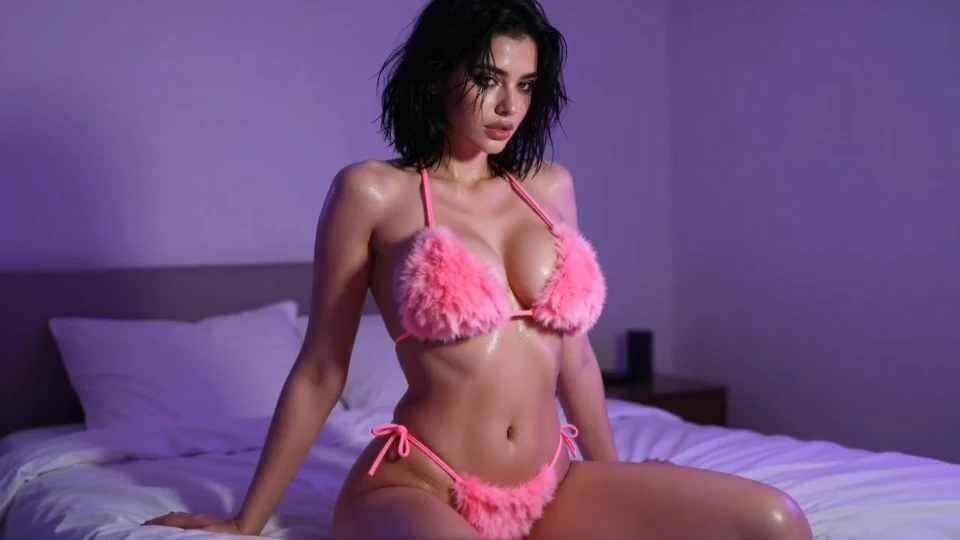
GIFPink after hours
A playful gesture
 GIF
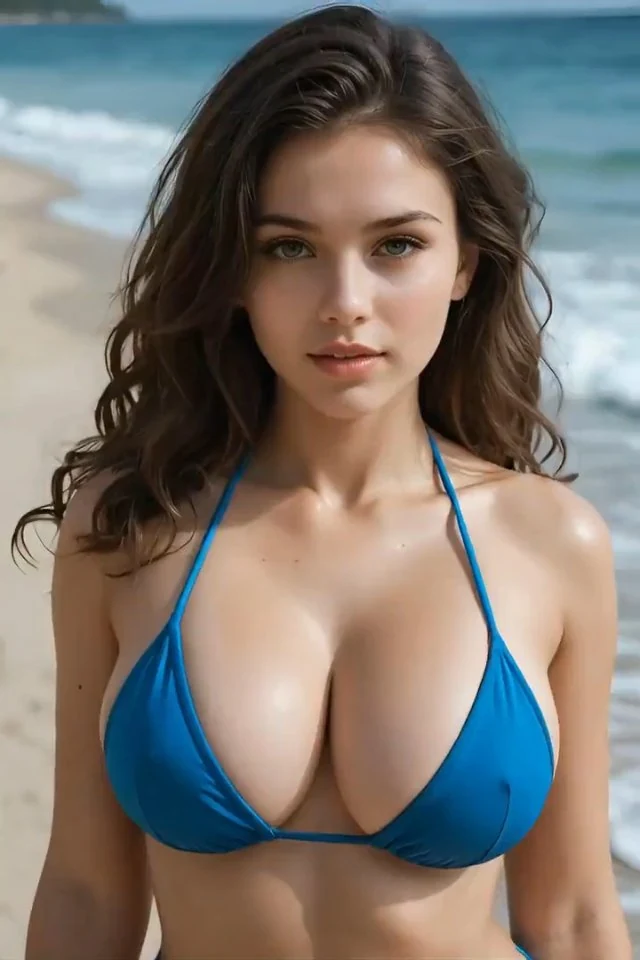
GIFSalt in the air
Hair in the breeze
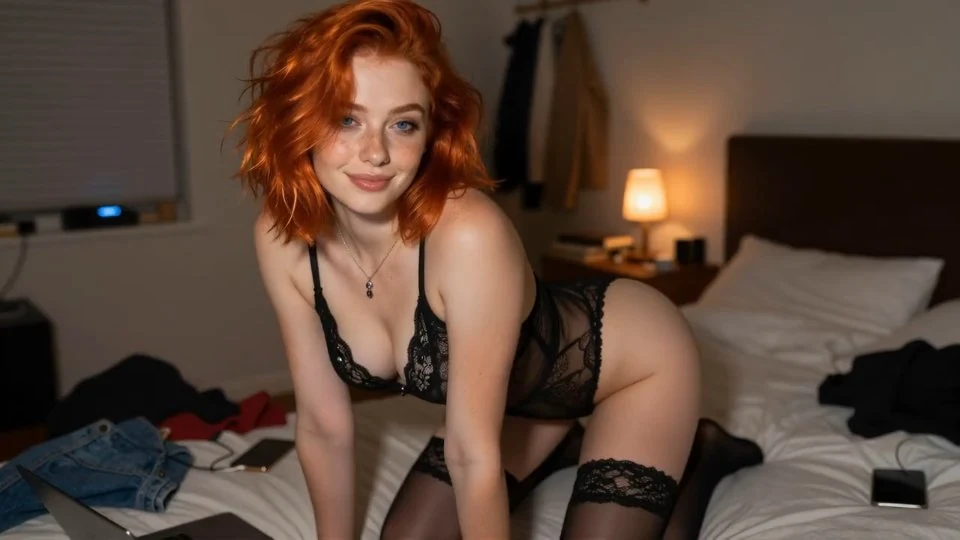 GIF
GIFAfter dark
A quiet glance
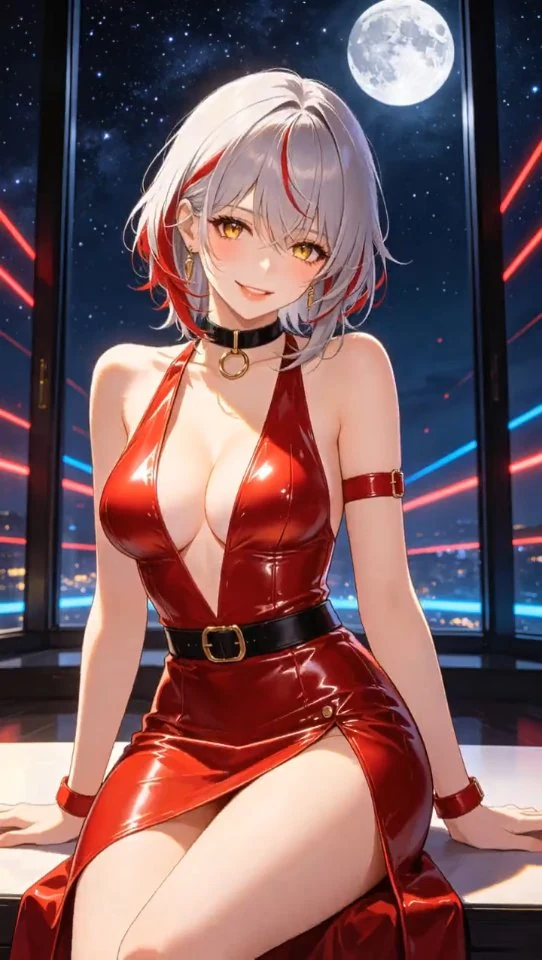 GIF
GIFCrimson moon
An illustrated moment
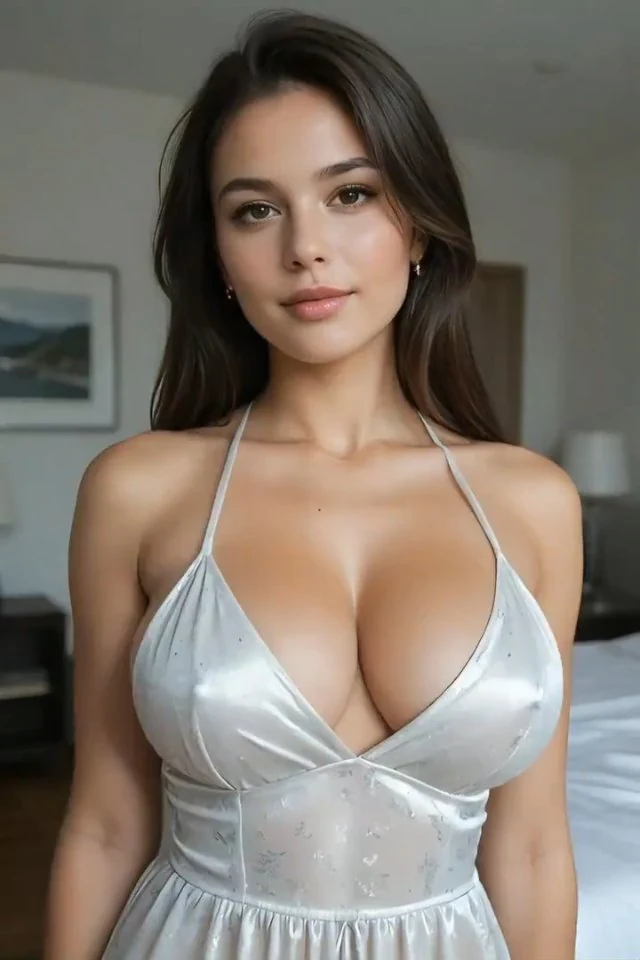 GIF
GIFSatin & daylight
Brush of the hair
Different moves.
Different moods.
Browse four directions for your image-to-GIF idea. Look at the motion, then shape the description around your own image.
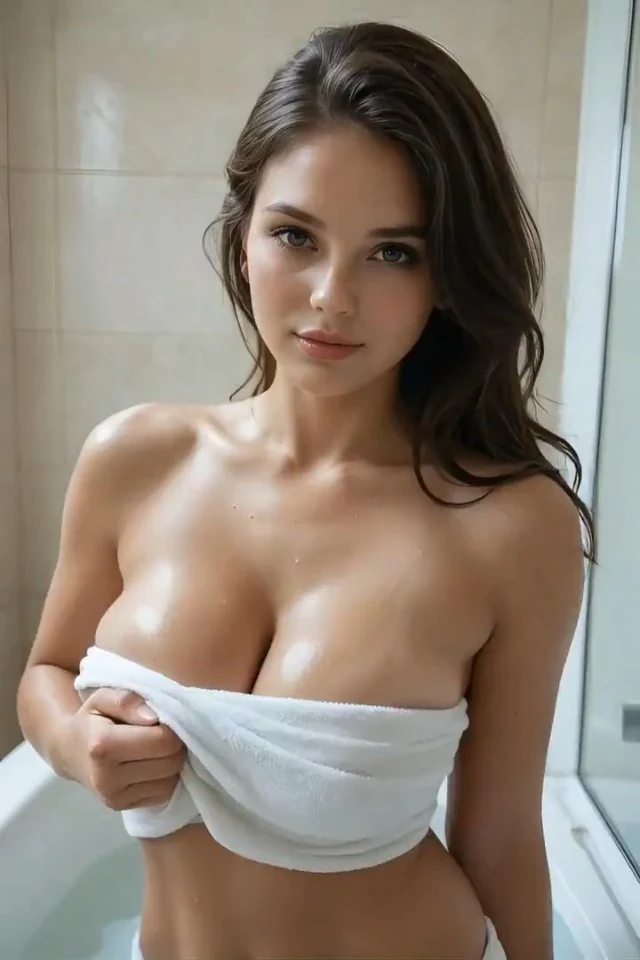 GIF
GIFLet the angle tell the story.
A small turn changes the feeling of a portrait. Start with a clear view of the face and enough room around the shoulders.
- Focus
- Head & shoulders
- Start with
- Portrait or waist-up
The adult subject slowly turns their shoulders and looks back toward the camera, then returns to the starting pose. Keep the face, outfit and lighting consistent. Fixed camera.
Still frameGIFYour image sets the scene.
You direct the motion.
An NSFW GIF generator should give you more than a moving thumbnail. Start with a look you already like, then control the part that matters: what happens next.
- Bring the starting imageUse a clear portrait, an adult character or a scene you created. Keep room around anything that needs to move.
- Describe one momentA turn, a gesture, a change of expression. Choose 5 or 8 seconds and check the credit quote before generating.
- Save your GIFYour finished GIF appears automatically. Preview the loop and download it with one click.
Make the second watch
feel as good as the first.
A good AI GIF is one clear moment. A clear subject, steady framing and focused movement make the loop easier to follow.
Keep one action in focus
“Slowly turn toward the camera” gives the model a clearer direction than a list of movements. Let the image carry the outfit and setting.
Bring the motion back
For a gentle sway or head turn, ask the subject to return to the starting position. A similar beginning and ending can make the repeat feel more natural.
Keep the camera steady
Start with a sharp image and leave room around hands and hair. Ask for a fixed camera and consistent lighting so the movement stays the focus.
Give your idea
room to move.
The best image for an AI GIF already shows the details you want to keep. Match the framing to your movement before you upload.
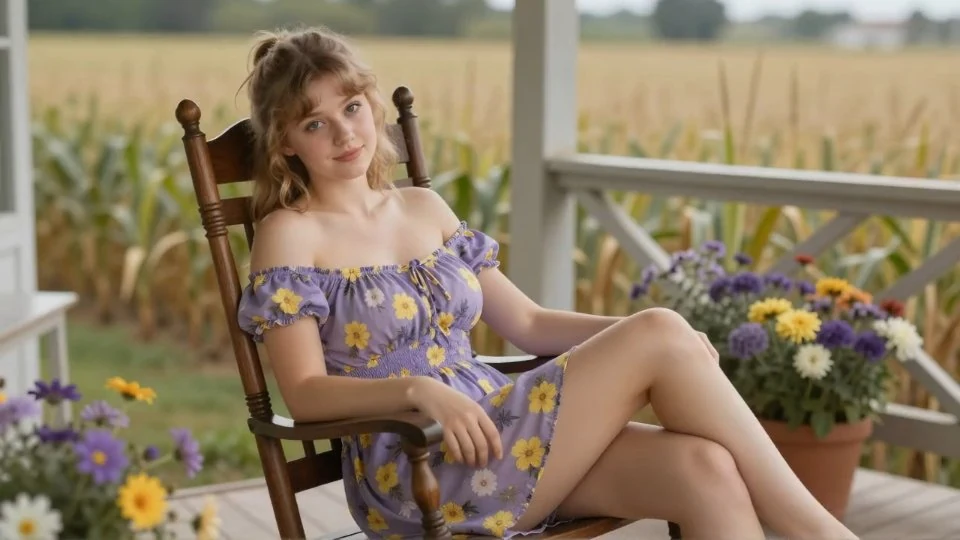
Works for a small expression. Leaves little room for a bigger gesture.
Hands, shoulders and a little space around the subject are already in the frame.
A face you can read
Use a sharp, well-lit subject. Heavy blur leaves the model guessing about details.
Space for the gesture
Include the hands for a wave and the shoulders for a turn. Choose the image around the movement.
A scene worth keeping
Start with the outfit, lighting and background you want. Use your prompt to direct the action.
Make your character
more expressive.
Use this image-to-GIF maker for a subtle portrait, an animated character or a short visual reaction.
A look that lingers.
Animate a glance, a slow turn or hair moving in the breeze. Your image gives the scene its appearance; your description gives it movement.
Give a character a moment.
Bring an illustrated adult character into a short loop. Try a greeting, a change of expression or a small movement that suits the original artwork.
Describe movement.
Keep the details you love.
A useful GIF prompt says what moves and what stays the same. Start with one action, then add the mood and camera direction.
“Make the image move.”
MORE SPECIFIC“The subject slowly turns toward the camera, smiles, then returns to the starting pose. Keep the camera still and the appearance consistent.”
- The actionA glance, a sway or hair in the breeze.
- The paceSlow and subtle for a short, readable loop.
- The consistencyDescribe what should stay unchanged: face, outfit, lighting and background.
Your GIF.
Part of your world.
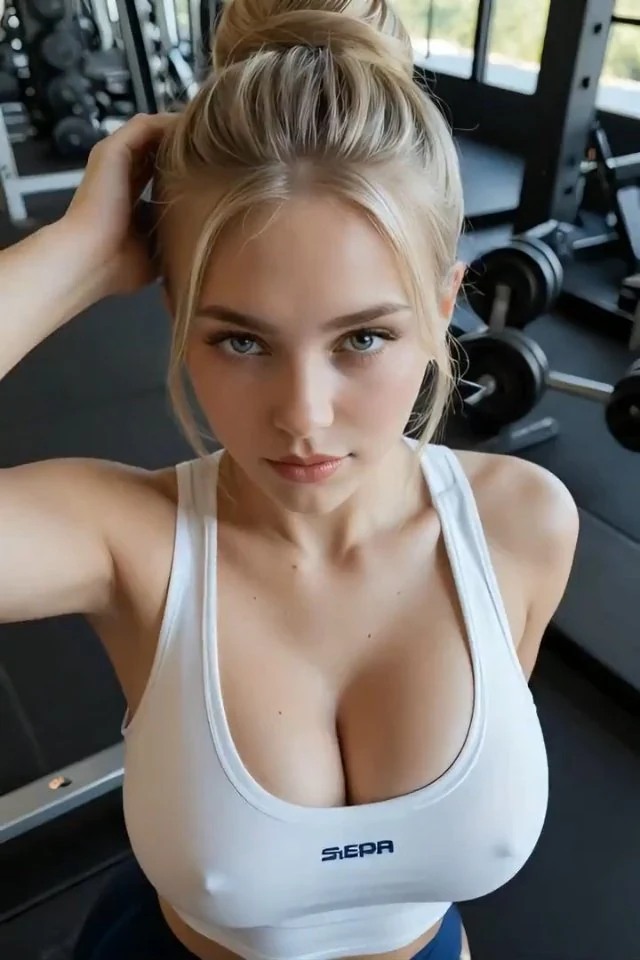
A character introduction, a visual reply or something just for you. Download a real animated GIF and choose where it belongs.
 GIF
GIF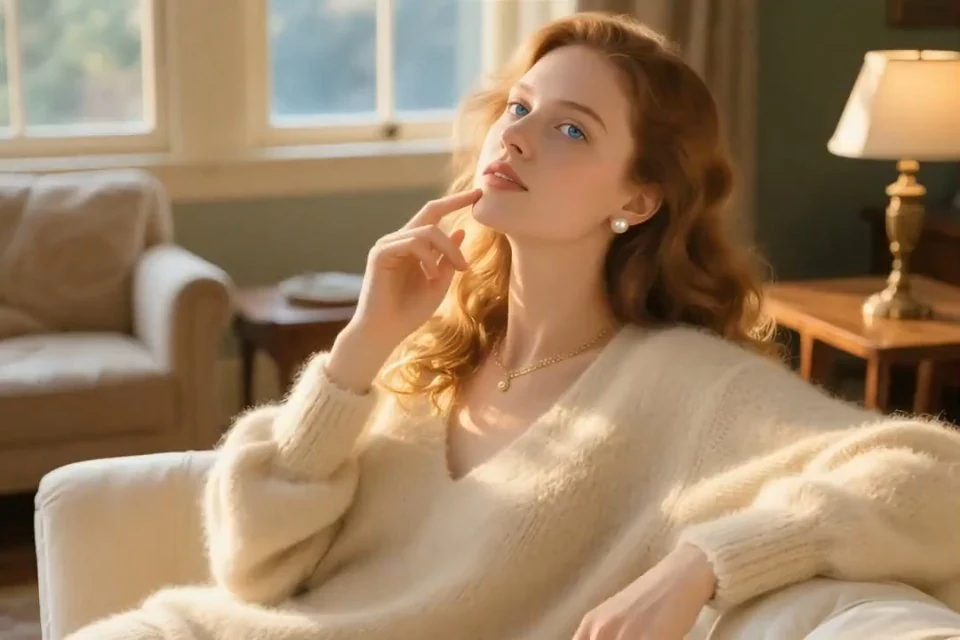 GIF
GIF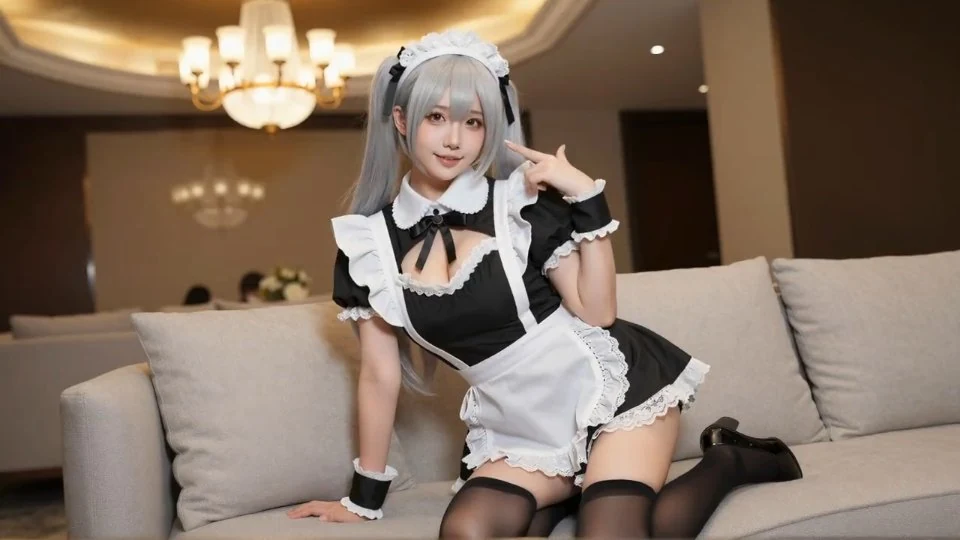 GIF
GIFA character introduction
Give an adult character a greeting or a signature expression. Use the saved GIF on a profile or character card that supports animation.
A reply with personality
Turn a smile, a glance or a gesture into your own reaction GIF. Save it to your device and upload it where GIFs are supported.
A collection of moments
Build a set of short glamour loops around your characters and ideas. Keep your favorites together in your own saved collection.
Personal ideas.
A private workspace.
Your uploads and generations do not appear in the public inspiration gallery. Review the credit quote, create on your terms and download what you want to keep.
Generated media is available for seven days. Save your favorites before then.
NSFW AI GIF
generator questions
Inputs, loops, credits and downloads.
How does the NSFW AI GIF generator work?
Upload a JPG, PNG or WebP image, describe the movement and choose Generate GIF. Your finished animation appears automatically as a looping GIF. Preview it and download the .gif file directly.
Do I need to convert or edit anything myself?
No. AINSFW prepares the GIF for you. There is no separate editor or conversion step to complete, and the downloaded file is a real animated GIF.
What images work best for an image-to-GIF maker?
Use a sharp image with a clearly visible adult subject. Portraits, glamour photos and illustrated characters work best when there is room around the parts you want to move. A steady background and one focused action make the result easier to follow.
Can I use a description without uploading an image?
This tool starts from an image. If you only have an idea, create a still in the AI image generator first, then animate it here. Creating the starting image is a separate task with its own credit cost.
Is there a free NSFW AI GIF generator trial?
You can browse the animated examples without signing in. Creating a new GIF uses credits, with the full quote shown before you submit. Trial credits apply when they cover the task; a free generation is not guaranteed. Downloading the finished GIF does not use more credits.
Can an AI porn GIF creator guarantee every request?
No model can guarantee every scene or a perfect result. AINSFW supports adult creative work under its terms, and model availability and content rules still apply. A clear image and one movement at a time help communicate your idea.
Will my GIF loop seamlessly?
The GIF repeats automatically. For a smoother transition, describe a small movement that returns to the starting position and keep the camera steady. The quality of the join depends on the generated motion; a seamless loop is not guaranteed.
How long are the GIFs, and do they have sound?
Choose a 5- or 8-second animation. GIFs play without sound. Files use up to 480 pixels on the longest side, preserve the image proportions and may be made smaller to keep the download manageable.
Where can I save and use my GIF?
Download the GIF directly to your device and use it in places that accept animated GIF uploads and your content. Upload size and adult-content rules vary by platform. Your saved file will keep looping in a compatible viewer.
Are my uploads and results public?
Your uploads and generated GIFs belong to your account workspace; creating a GIF does not publish it in the inspiration gallery. Images are previewed locally before you generate. Finished files are available in My creations for seven days, so download the ones you want to keep.
Make a moment that stays.
Start with your image. Give it your direction.