
Character design / reference sheets
AI Character Sheet Generator
Turn a character image or description into one reference sheet with turnaround views or six facial expressions.
Character sheet
Image or description
Style
More settingsAINSFW 1.0 · 1K · 4:3
VersionResolutionAspect ratio
1 complete image10 credits
Three views or six expressionsImage or descriptionOne complete sheet
Find your visual direction
One character.
More ways to see them.
Explore turnaround and expression sheets in realistic, anime, comic and painted styles. Choose a description to start your own design.
Champagne glow
Front · Side · Back · RealisticThe velvet corsair
Front · Side · Back · Stylized 3DLeather after dark
Front · Side · Back · RealisticMoonlight premiere
Front · Side · Back · 1990s animeThe leading man reacts
Six expressions · RealisticChoose a visual language
One format.
Different worlds.
Shape an anime OC, a romance-comic character or a painted design. Start with a look you like, then change the description.
Cyberpunk anime
Neon runner
Neon accents, technical fabrics and sharp cel shading.
Romance manhwa
Crimson silk
Fine linework, silk highlights and romance-comic color.
Watercolor & ink
Ink & romance
Loose washes, paper texture and a softer ink contour.
Original AI images · style inspiration
Two kinds of reference
Choose the sheet you need.
A model sheet explores the design. An expression sheet explores the face. Both keep your character at the center.
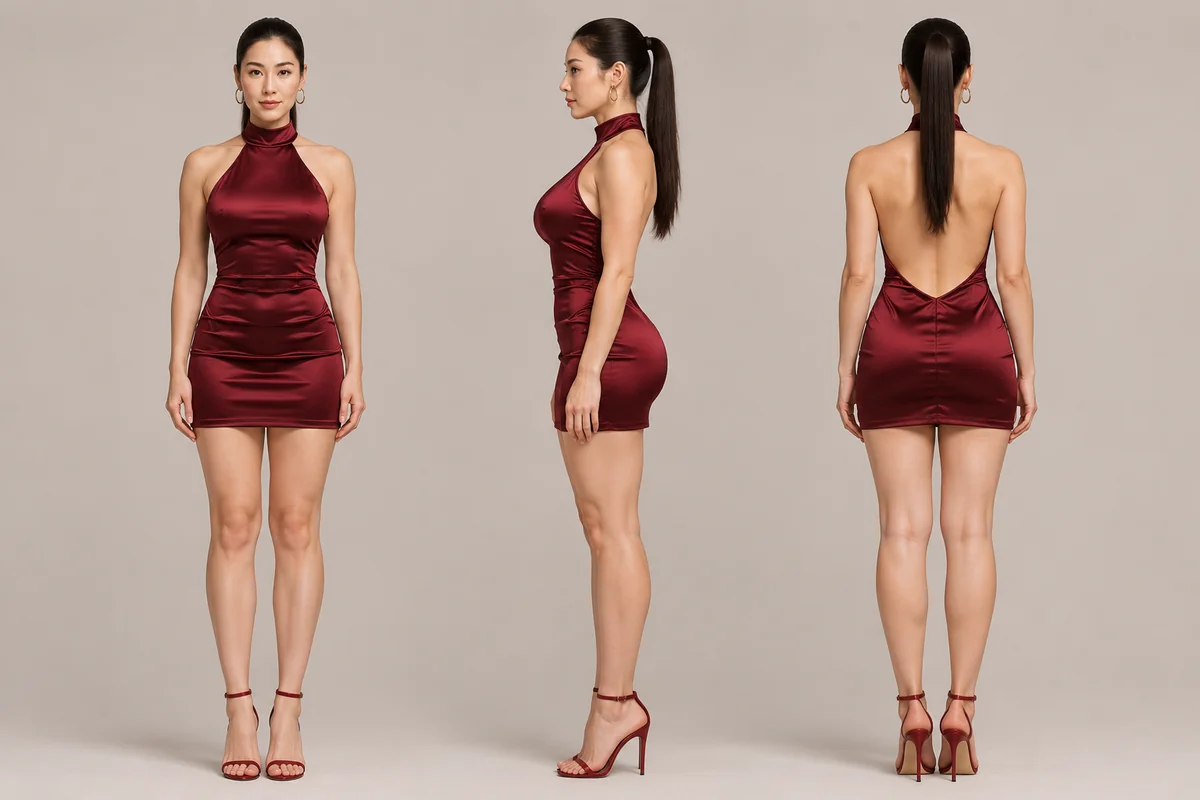
Turnaround: front, side and back
Compare the silhouette, clothing, hairstyle and proportions from three angles before developing a scene or comic.
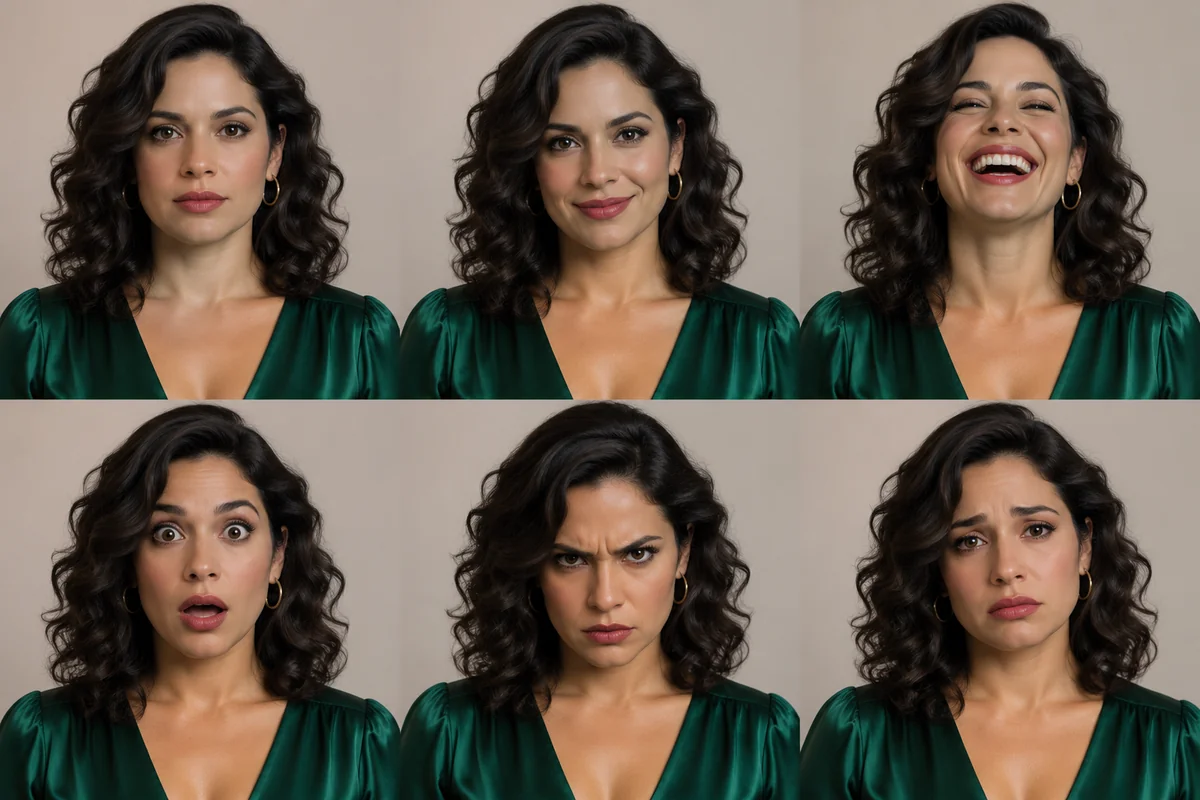
Expressions: six facial reactions
Explore a calm look, a smile, laughter, surprise, anger and sadness with the camera on the same face.
Start with what you have
A character image.
Or an idea of your own.
Have a character already?
Upload a clear image showing the features you want to retain. A full-body image helps with a turnaround; a clear face helps with expressions. Add a short note for important details that are not visible.
Add a character imageDesigning an original character?
Describe the face, hair, build, clothing and distinctive accessories. Choose a style and sheet type to turn those details into a visual reference for your OC.
Build a distinctive character
More than a face.
A whole silhouette.
Body shape, age, hairstyle and clothing change how an original character reads. Make those choices visible from every angle.
Vintage pin-up
Scarlet pin-up
A fuller silhouette, sculpted curls and vintage satin.
American comic
Ring-side heroine
Strong shoulders, defined legs and a compact sports outfit.
Retro pixel art
After-hours pixels
A bold red-haired silhouette in crisp, jewel-toned pixels.
Original AI images · style inspiration
The details carry the identity
A familiar face.
A readable design.
Compare the face, hair, proportions and outfit across the finished character reference sheet. Look closely at asymmetric details: a shoulder bag, sleeve patch or hair accessory should stay on the correct side as the viewpoint changes.
A front image cannot show every seam on the back. Describe the important unseen features, then review what the model has inferred before reusing a view.
Define your character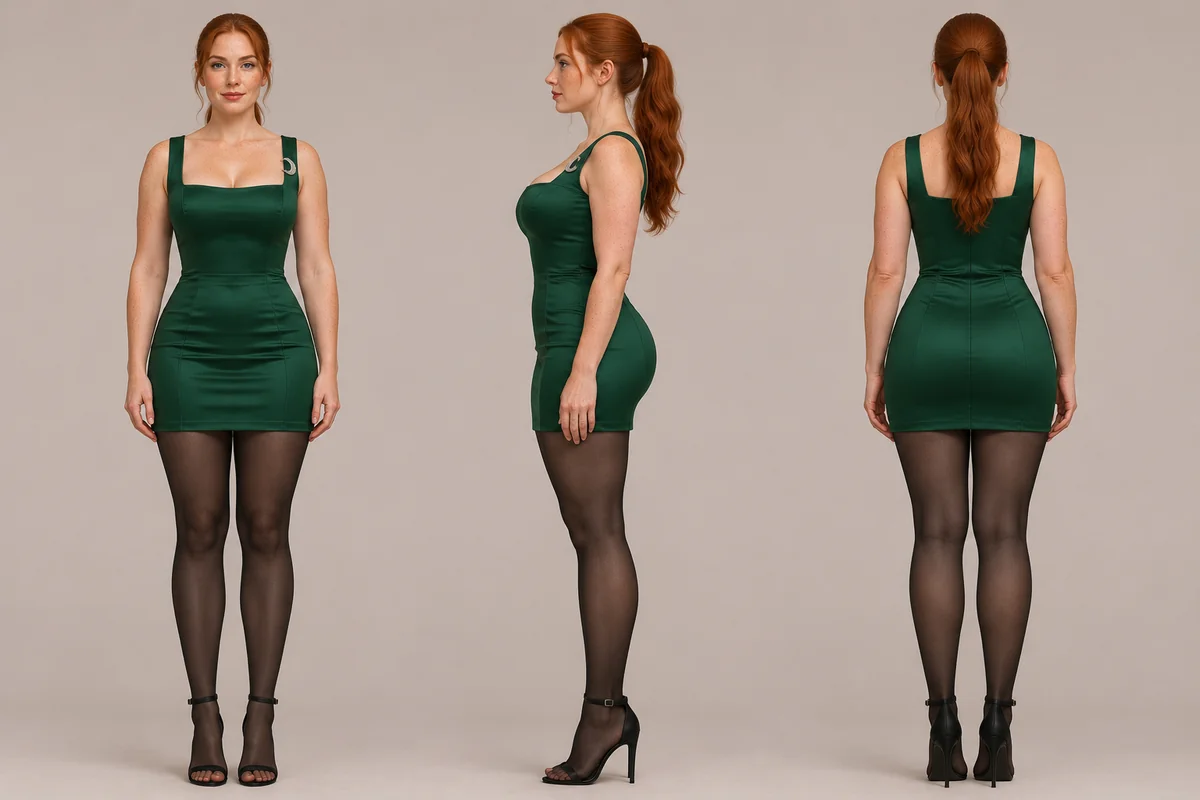
Face & hairBody proportionsOutfit & details
From full sheet to single view
Take the right view
into your next scene.
After generation, use Select a view to crop and download one angle or send it to another tool. Try the views below.
Complete turnaround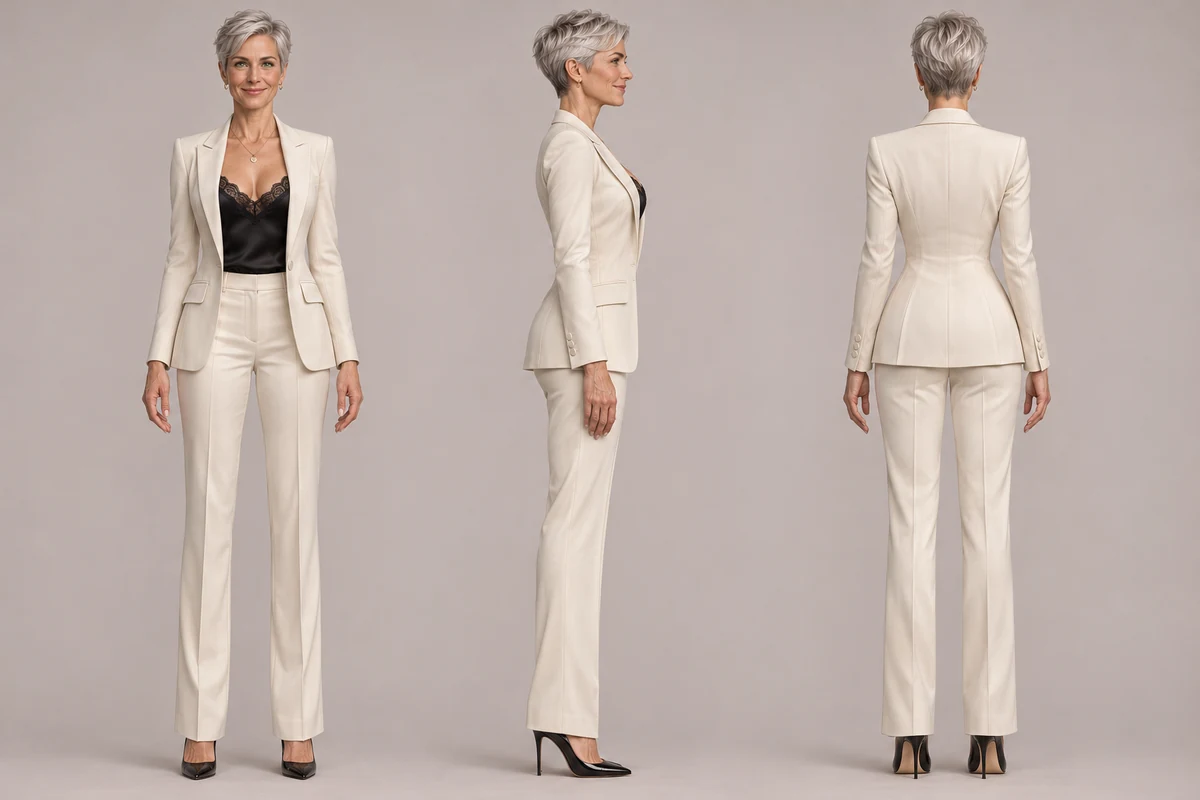
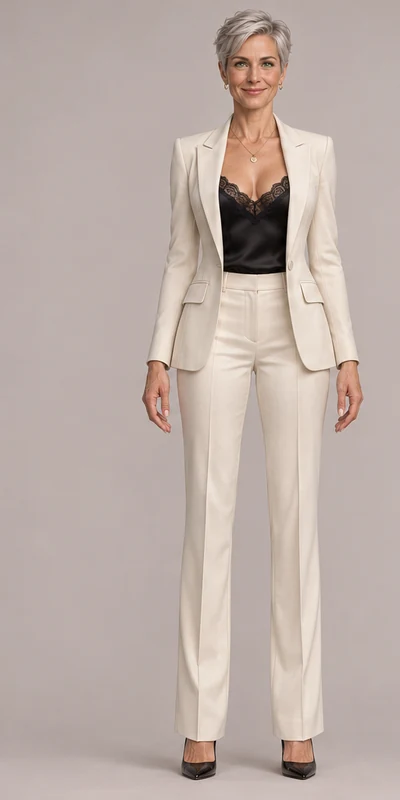
Original AI image · crop demonstration
From reference to the next scene
Keep the character.
Move the story forward.
Select a single view from your sheet when you want to edit the character or use it as a new reference.
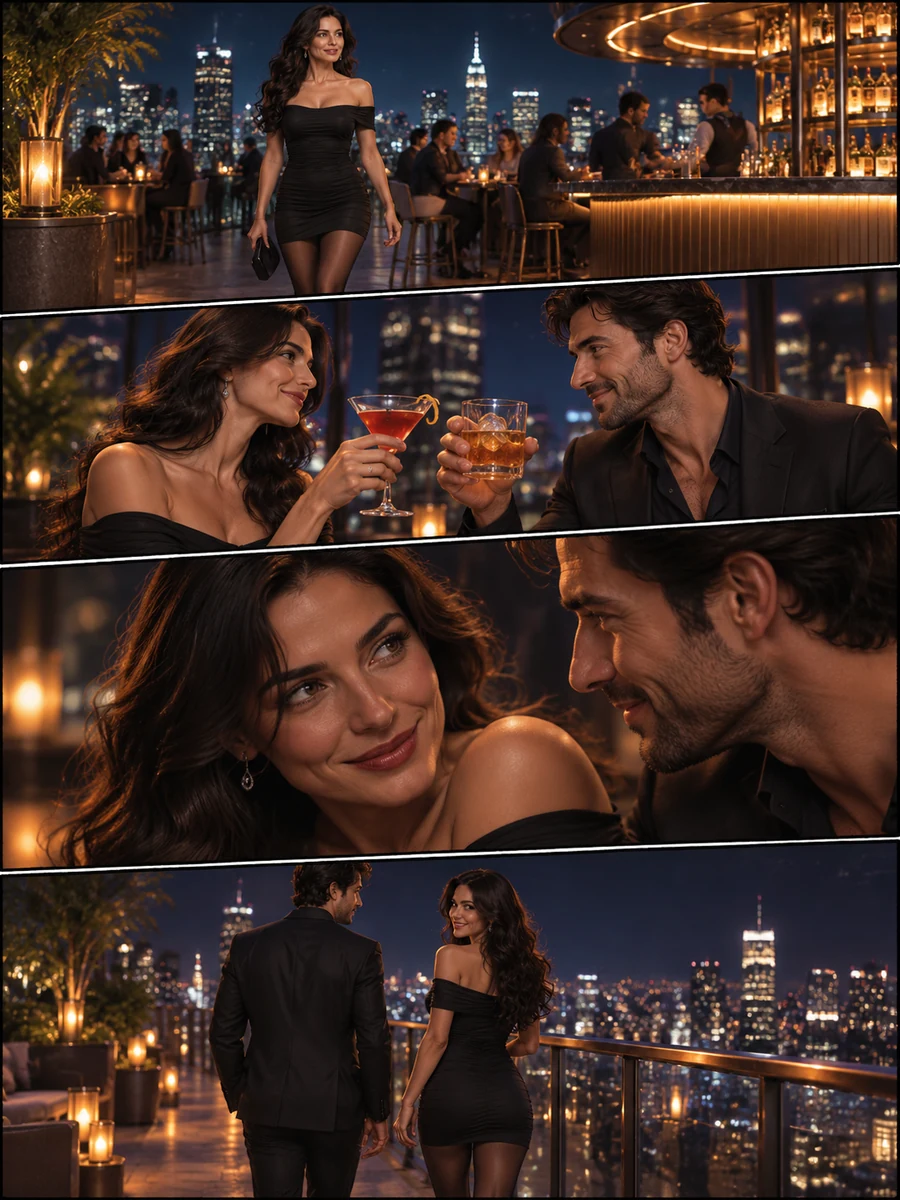
Build a comic around the character.
Use a selected view as the visual reference, then describe what happens. A character sheet establishes the appearance; the comic tool turns your story into a sequence of panels.
Open the comic generatorOriginal AI image · story inspiration
How to make a
character reference sheet.
Add the character
Upload a reference image or describe the design you want to create.
Choose the sheet
Select turnaround views or six expressions, then check the style, resolution and image price.
Review and reuse
Inspect the details. Download the complete image, or select one view to download or use in another tool.
Make the design specific
Character description examples.
Describe the character. Your selected sheet type supplies the view or expression layout.
Anime character turnaround
A 28-year-old anime woman with long violet hair, amber eyes and mature curvy proportions. Crimson cropped motorcycle jacket, fitted black halter top, high-waisted black mini skirt, opaque dark tights and knee-high black heeled boots. Crisp sophisticated cel-shaded anime character design with subtle fabric detail, clearly adult facial features.
Comic expression sheet
A 33-year-old woman with a sleek black bob, arched eyebrows, smoky eyes and scarlet lipstick, wearing an opaque burgundy square-neck dress and silver stud earrings. Sophisticated noir graphic-novel portrait illustration, clean ink linework and rich controlled shading, consistent mature facial identity.
A few things to know
Character sheet FAQ.
Where can I turn one character image into front, side and back views?
Use the AINSFW character sheet generator to create one turnaround image from a character reference. Choose Turnaround for front, side and back views. Check unseen clothing details after generation, then select a single view when you want to edit or animate the character. Create a character turnaround
Is there an AI tool for making a reference sheet of my own anime or OC character?
The character reference tool accepts an existing character image or a written description. Use Turnaround for full-body views, or Expressions for six facial reactions. A reference image gives the model a visible design to follow; a description can define a new original character. Make an OC reference sheet
Where can I prepare a character reference before making an adult comic?
Create the visual reference with the character sheet tool, then use a selected view in the NSFW comic generator. The sheet establishes the character’s appearance; the comic tool uses your story to create a sequence of panels. Review identity and outfit details in both results. Continue with a comic
Is a character sheet the same as a comic page?
A character sheet shows the same design from different angles or with different expressions. A comic page shows events in a story. Choose this tool for visual reference and the comic generator for sequential panels.
Do I get one image or several separate images?
Each generation returns one complete sheet. Download the sheet as one image, or use Select a view to crop out the part you want to download or reuse. The number of views does not multiply the image price.
Can the tool know what the back of my character looks like?
It can infer a back view from the visible design, but a single front image does not contain those hidden details. Add a short description of important features, such as a hood, back seam or bag placement, and review the result.
Will every view match exactly?
Generated faces, anatomy and small costume details can vary. A clear reference and a specific description help define the design, but review the complete sheet before using it as a reference for another task.
Does this export a 3D model or an editable design file?
The output is a raster image. It does not include a 3D mesh, rig or layered design project.
Can I hide the preview while I work?
Use the eye button to hide the generated preview on your screen. This does not delete the image or change its storage settings. Read our privacy policy
Create your character reference.
Start with an image or a description, then choose the views or expressions you need.
Create character sheet